
步骤 1 Step
访问“账号管理 - 牛角矩阵 v1.0 Beta”
Covers account import, browsing the official account store, completing payment, and checking purchased accounts in account management.
The video is embedded directly from the bangzhu source asset so users can see the full flow first and then follow the illustrated steps below.
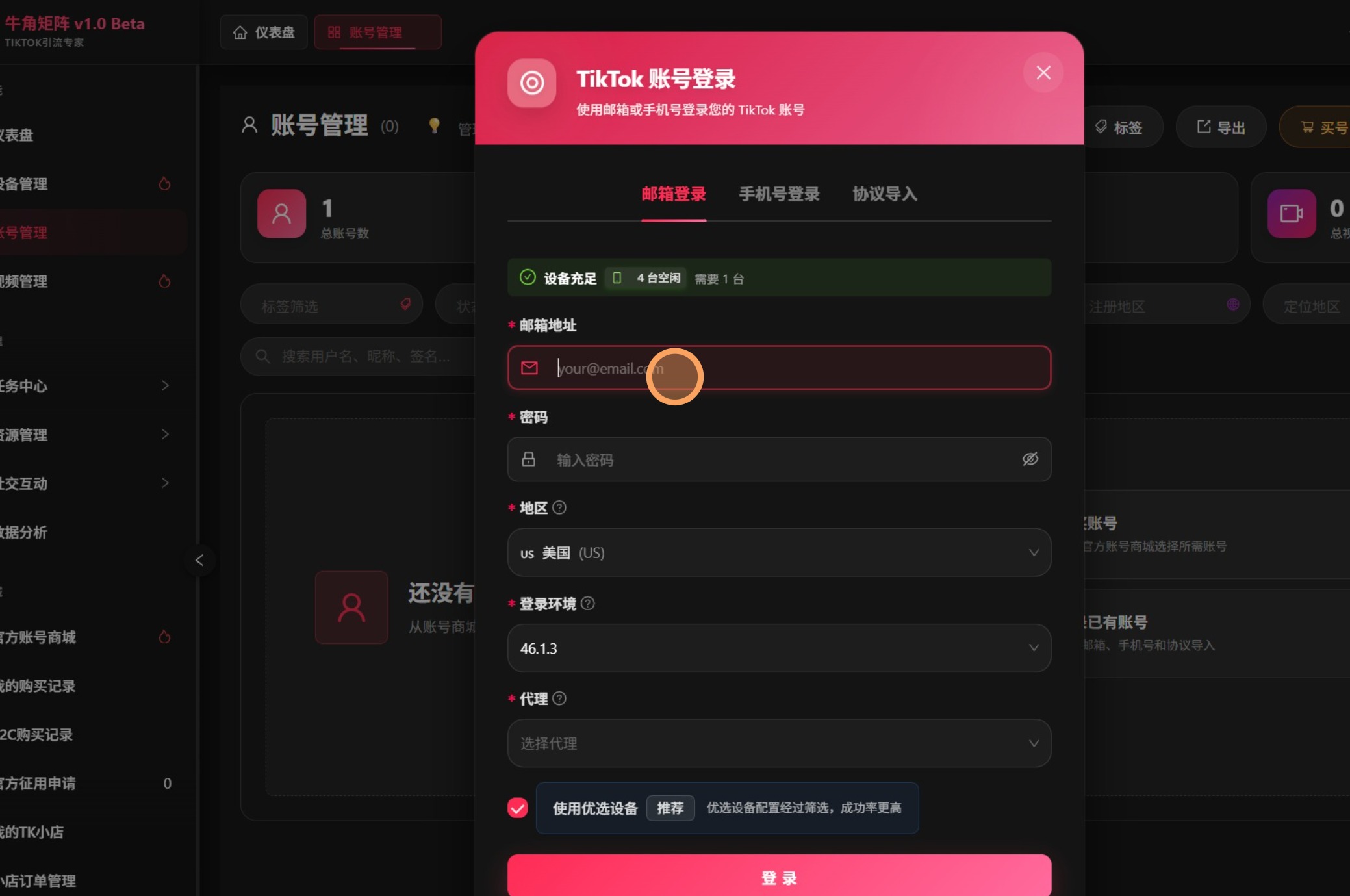
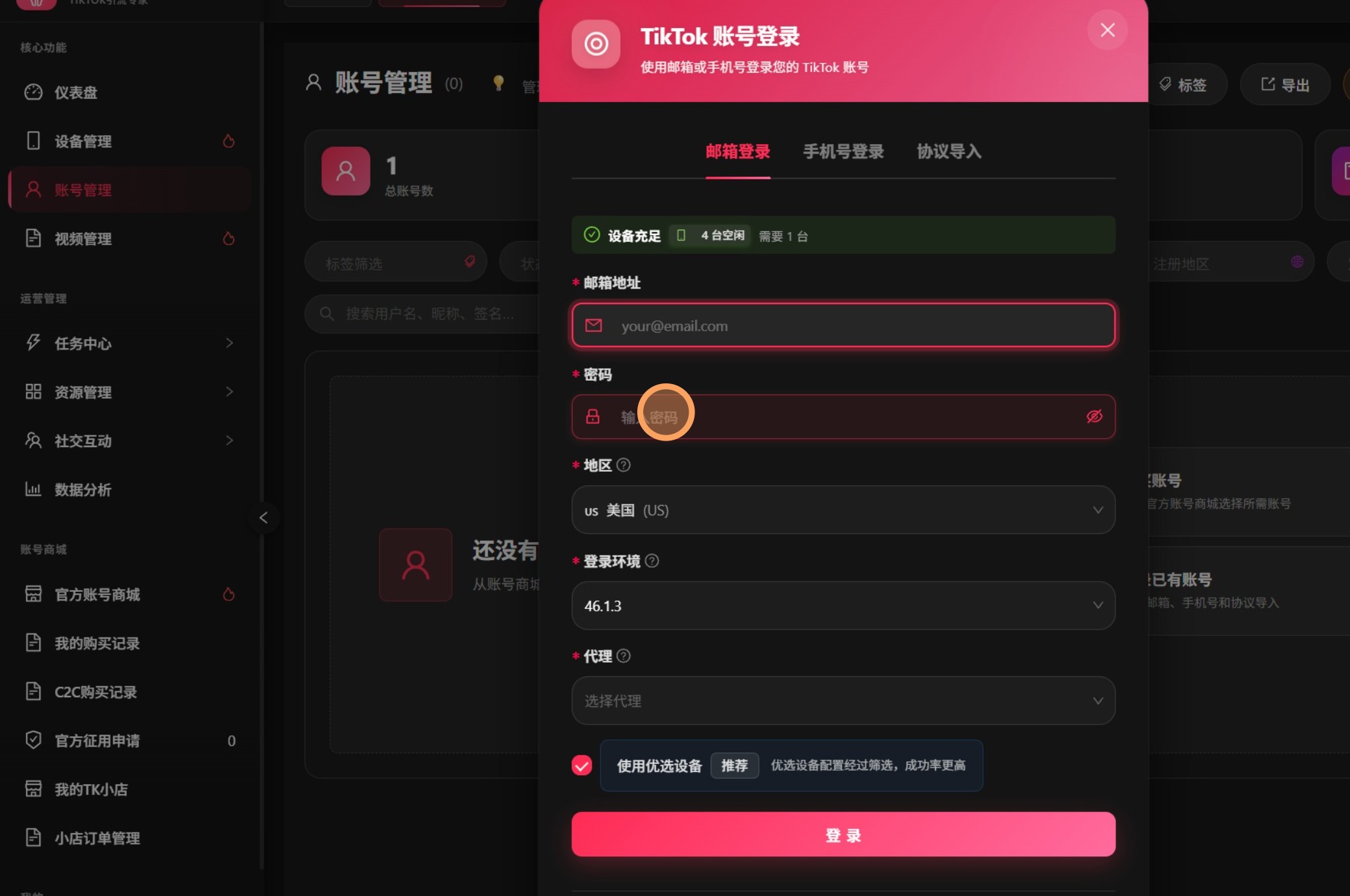
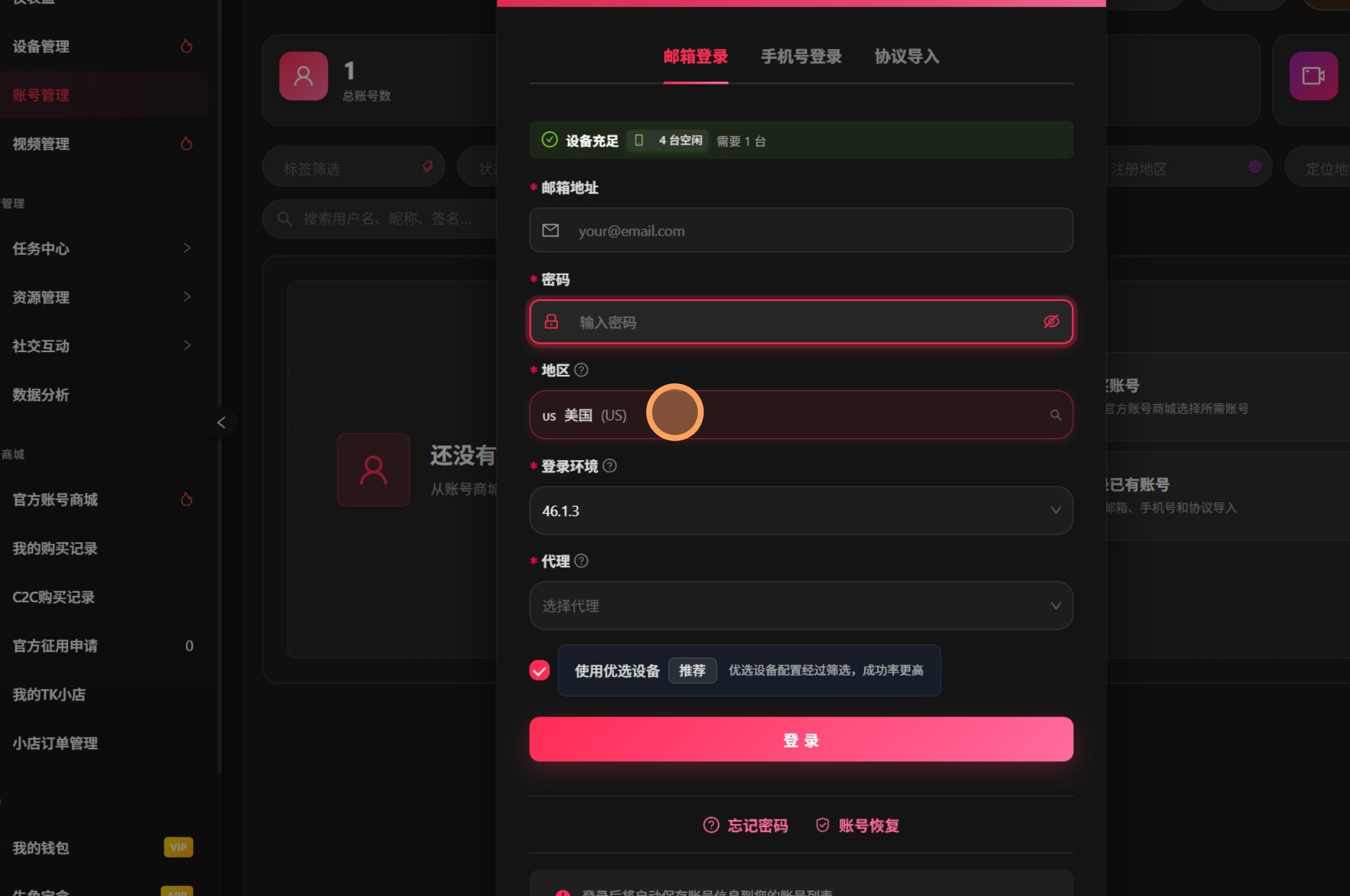
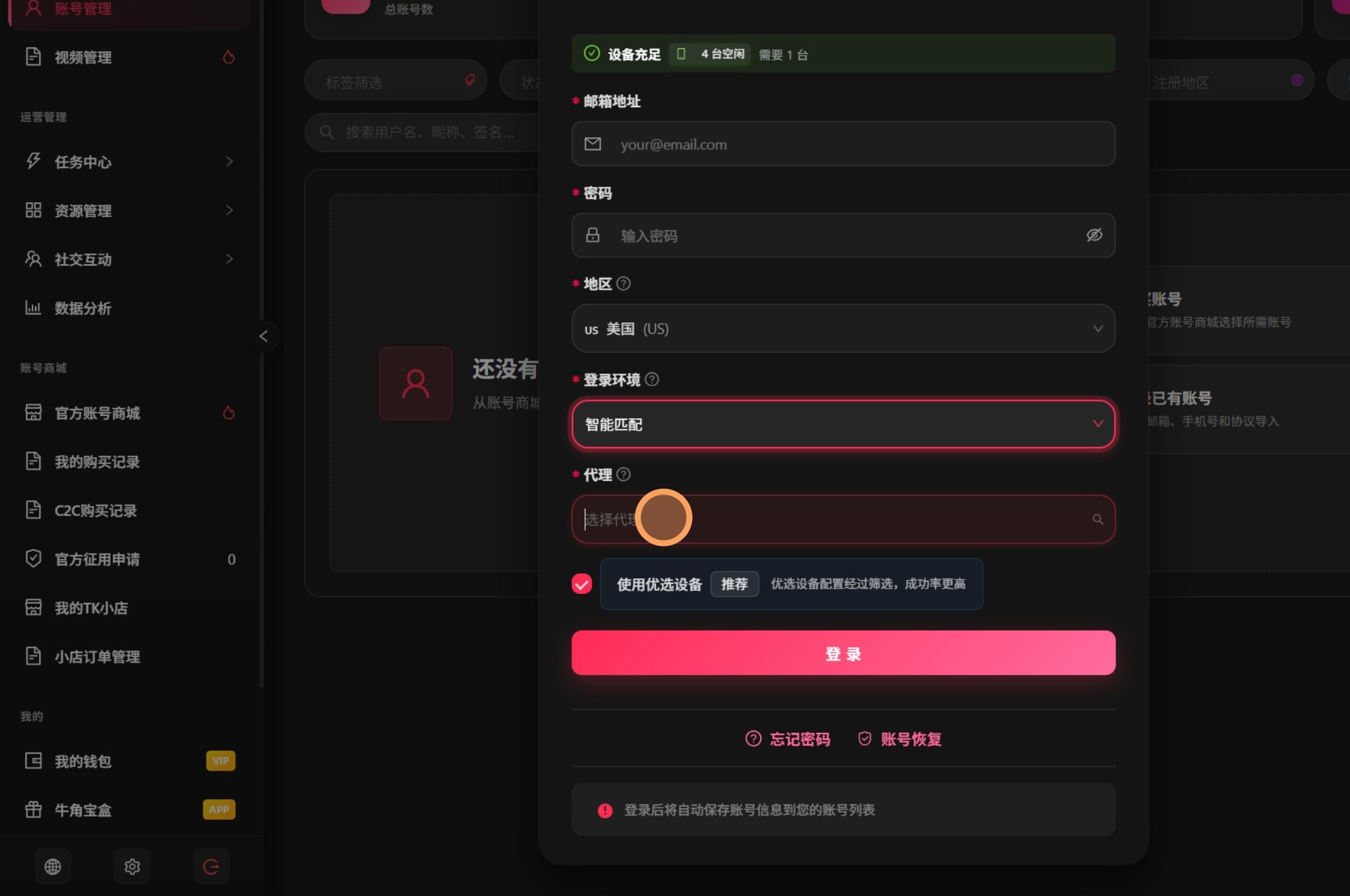
进入账号管理,填写账号信息并选择地区、版本和代理。
访问“账号管理 - 牛角矩阵 v1.0 Beta”
点击"支持邮箱、手机号和协议导入"按钮
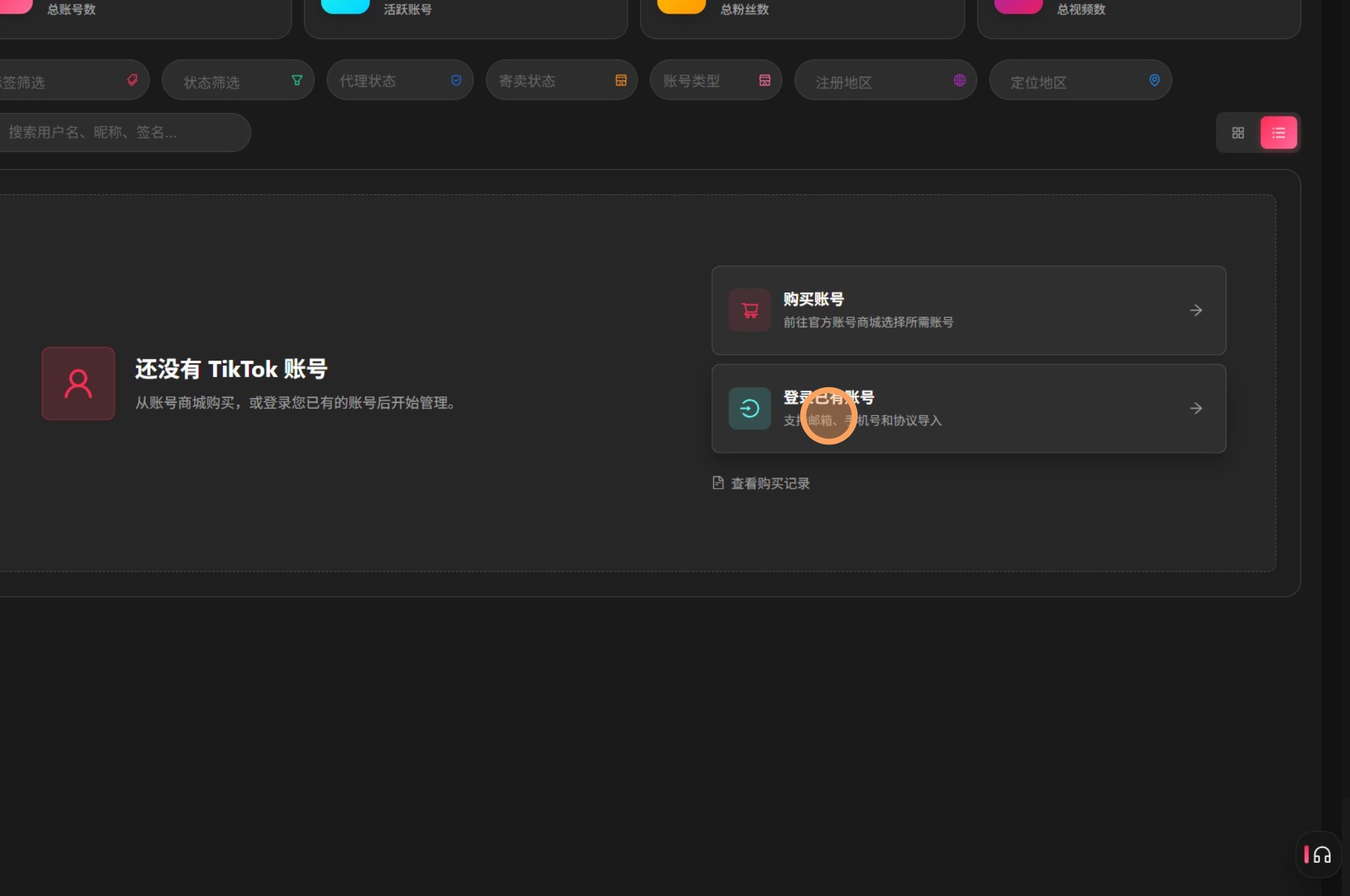
点击"邮箱"输入框
点击"密码"密码框
选择"?? 美国 (US)"
选择"智能匹配(不指定)"
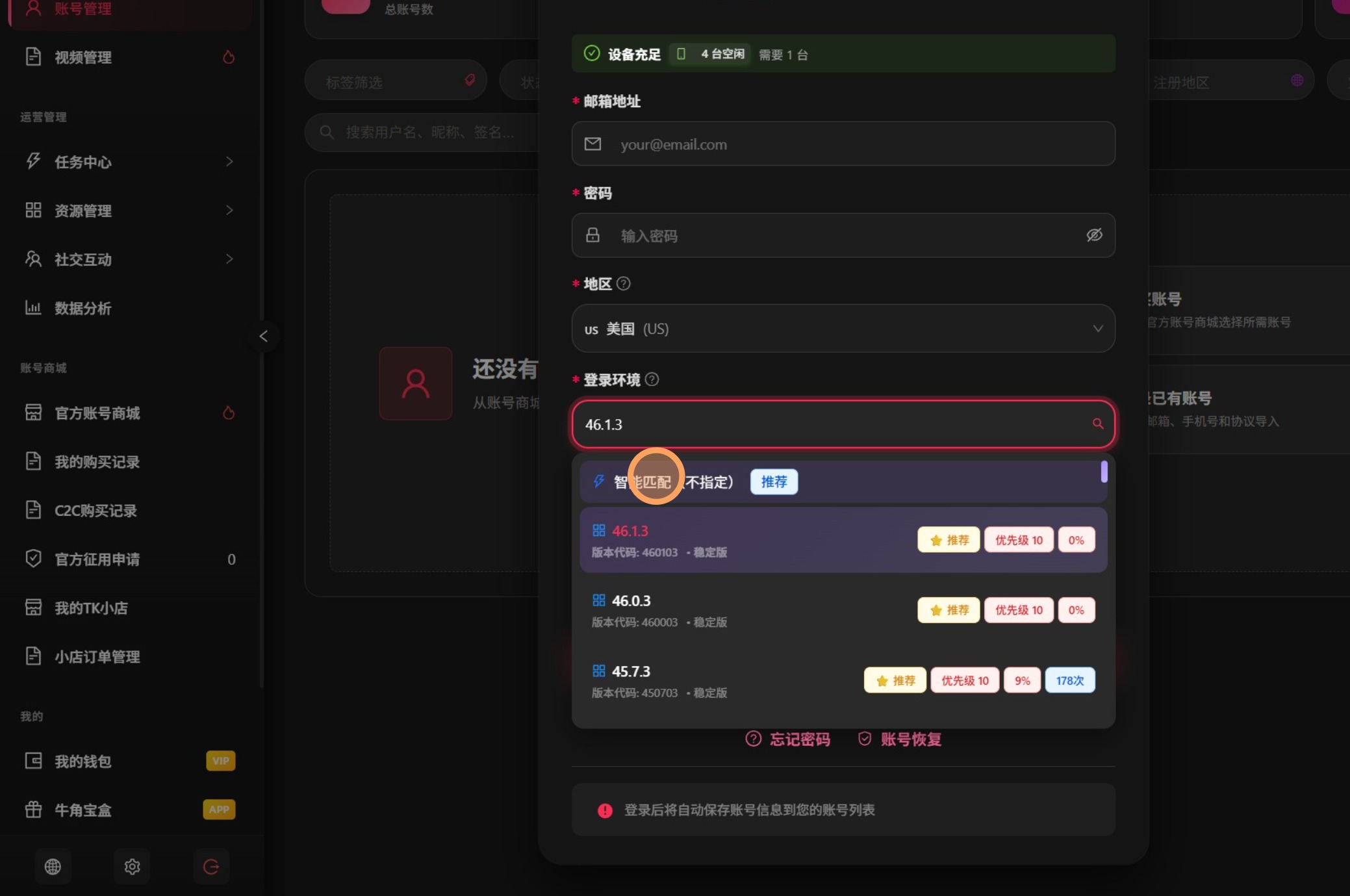
点击"代理"选择框,需要先导入代理,请观看代理导入教程
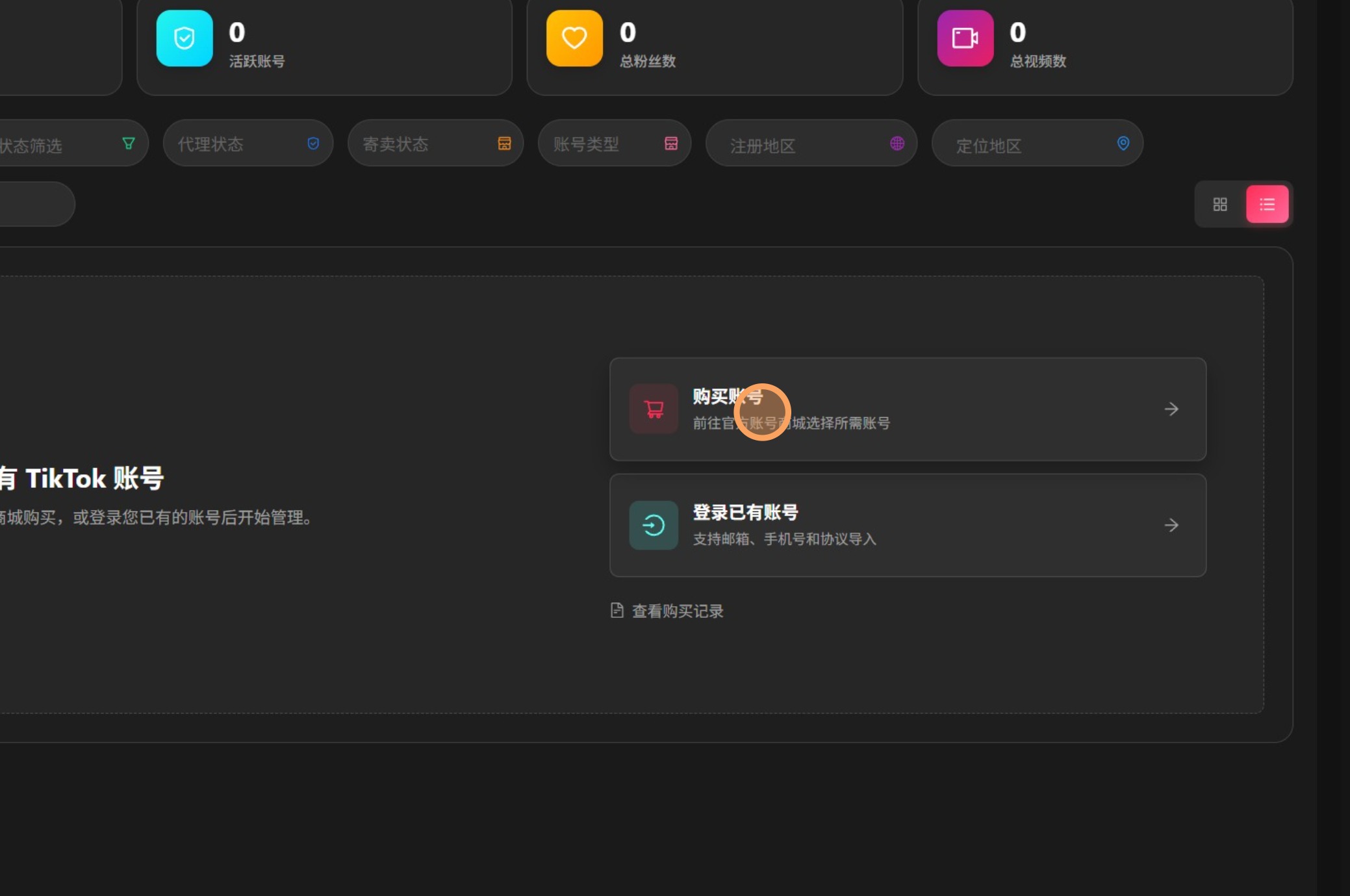
进入官方账号商城,比较 C2C 寄卖与官方商品后选择数量。
点击"前往官方账号商城选择所需账号"按钮
点击"C2C寄卖 16"
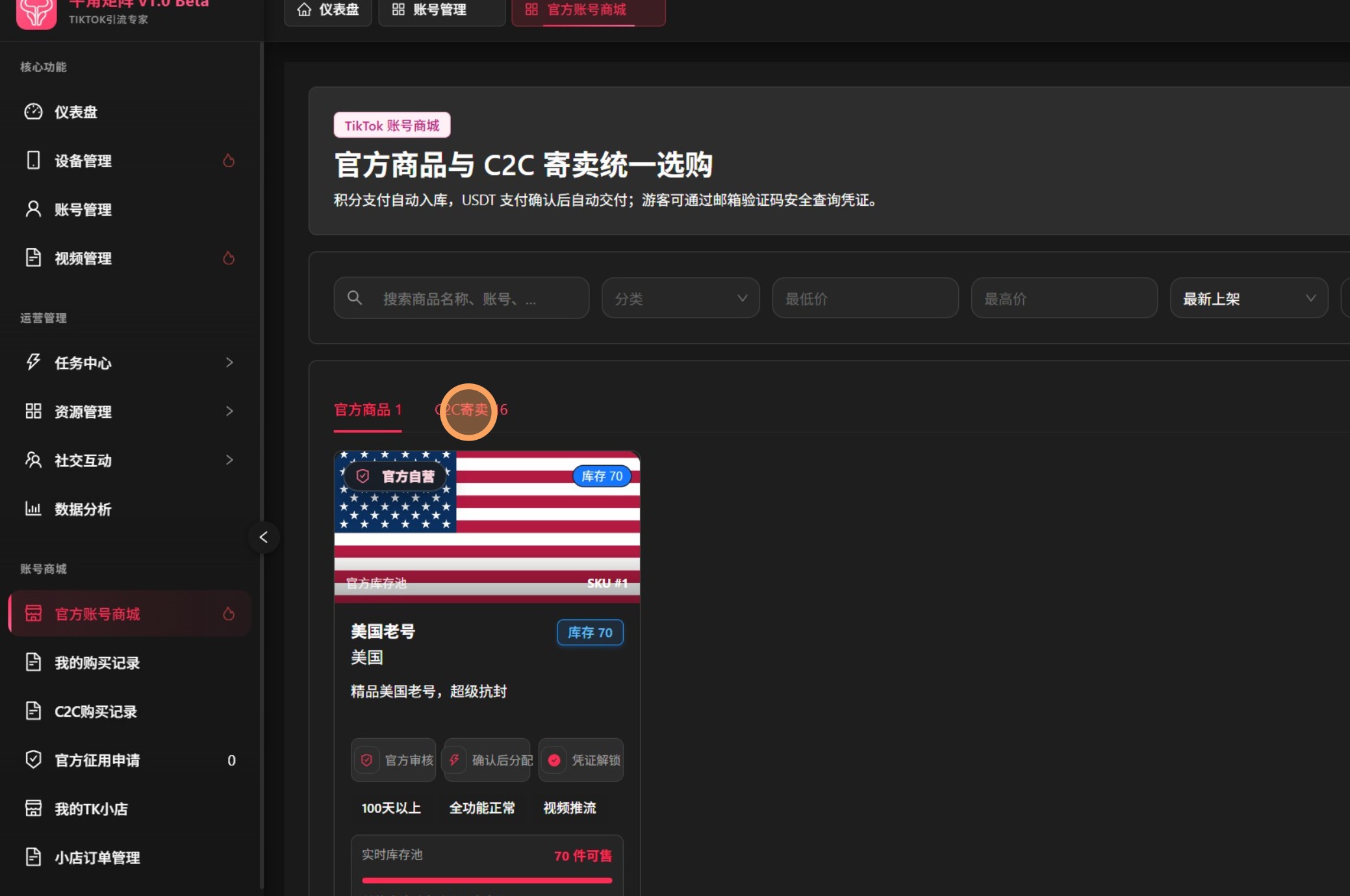
浏览用户寄售的账号
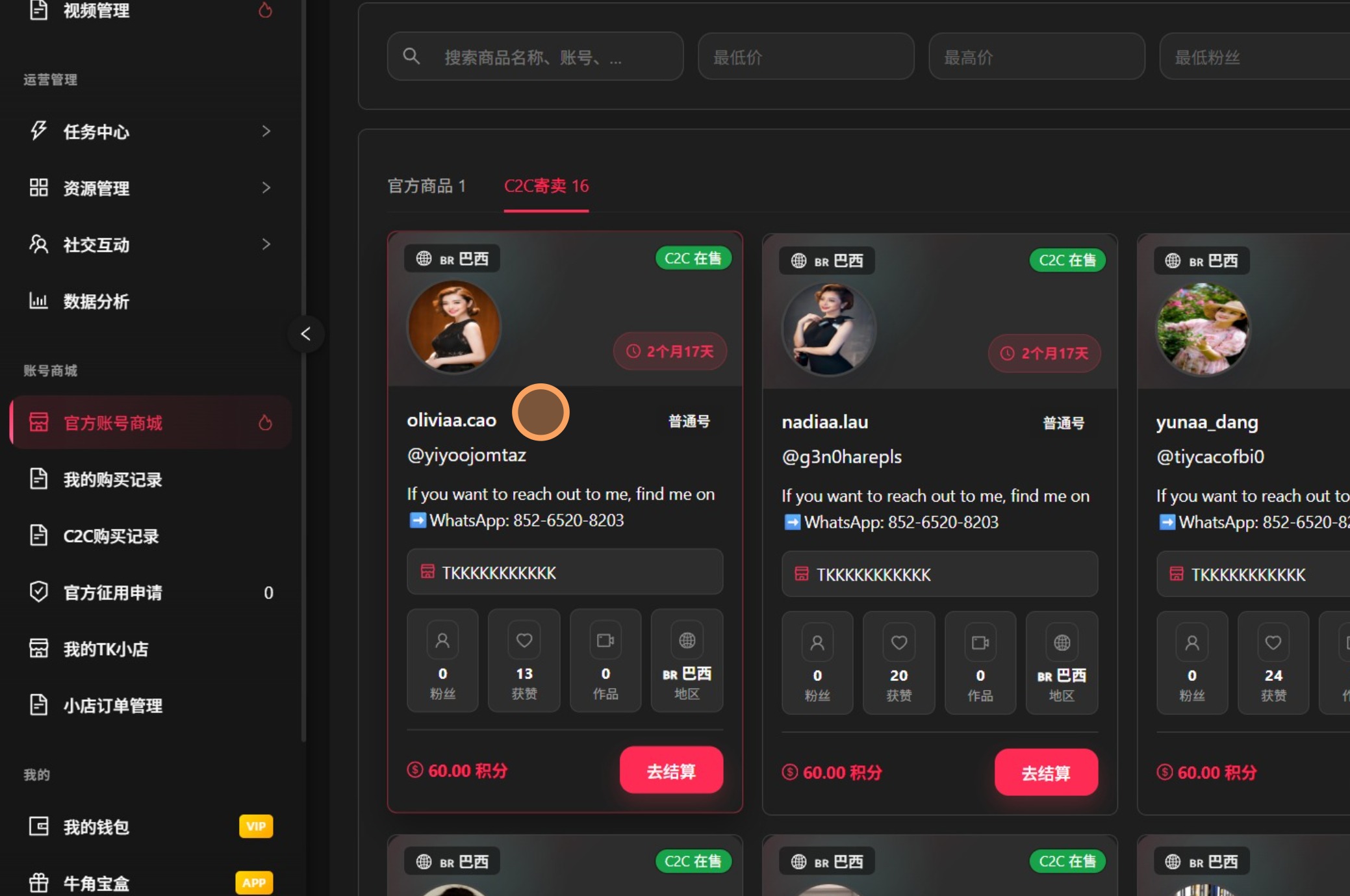
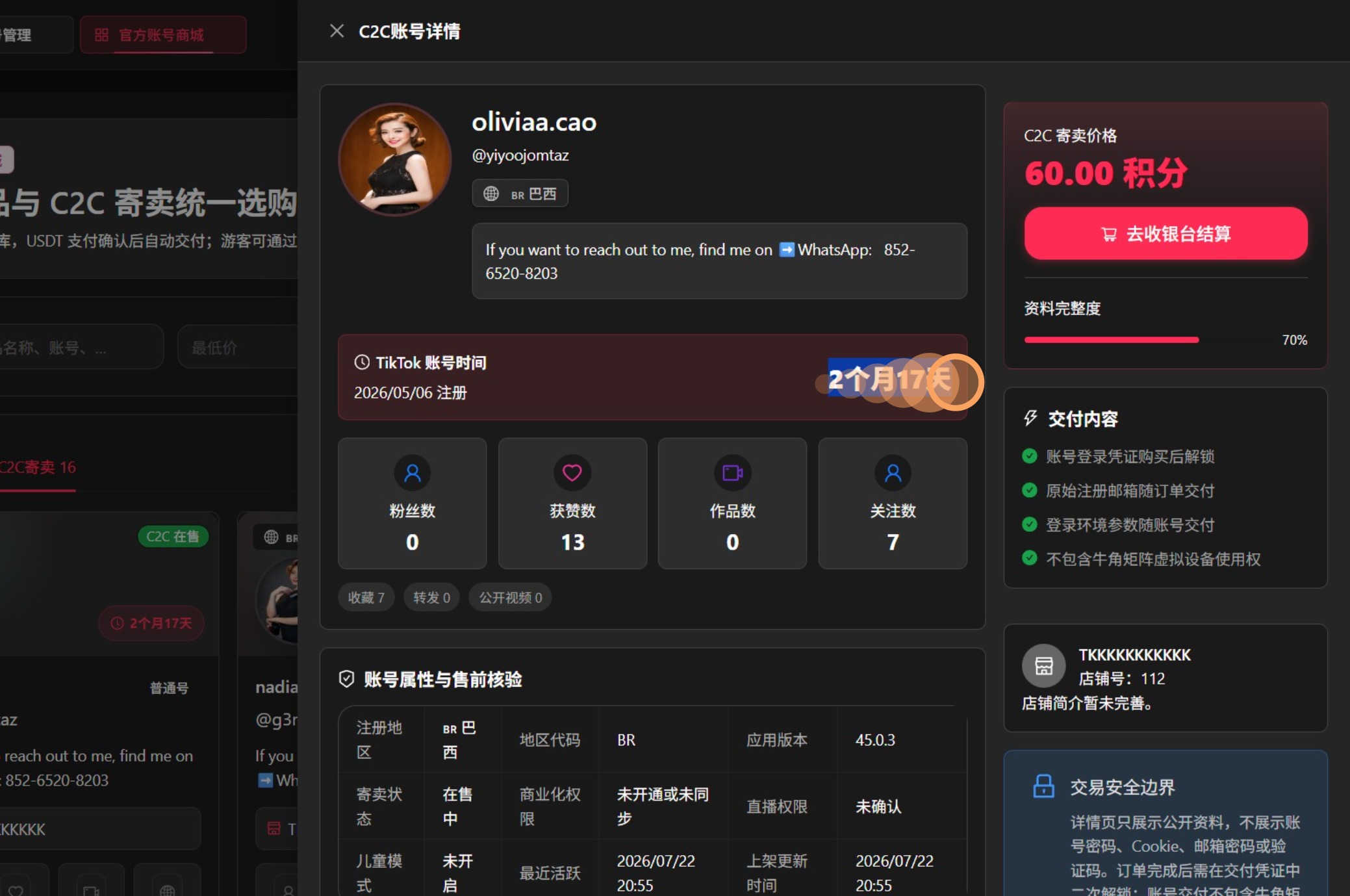
观察账号时长
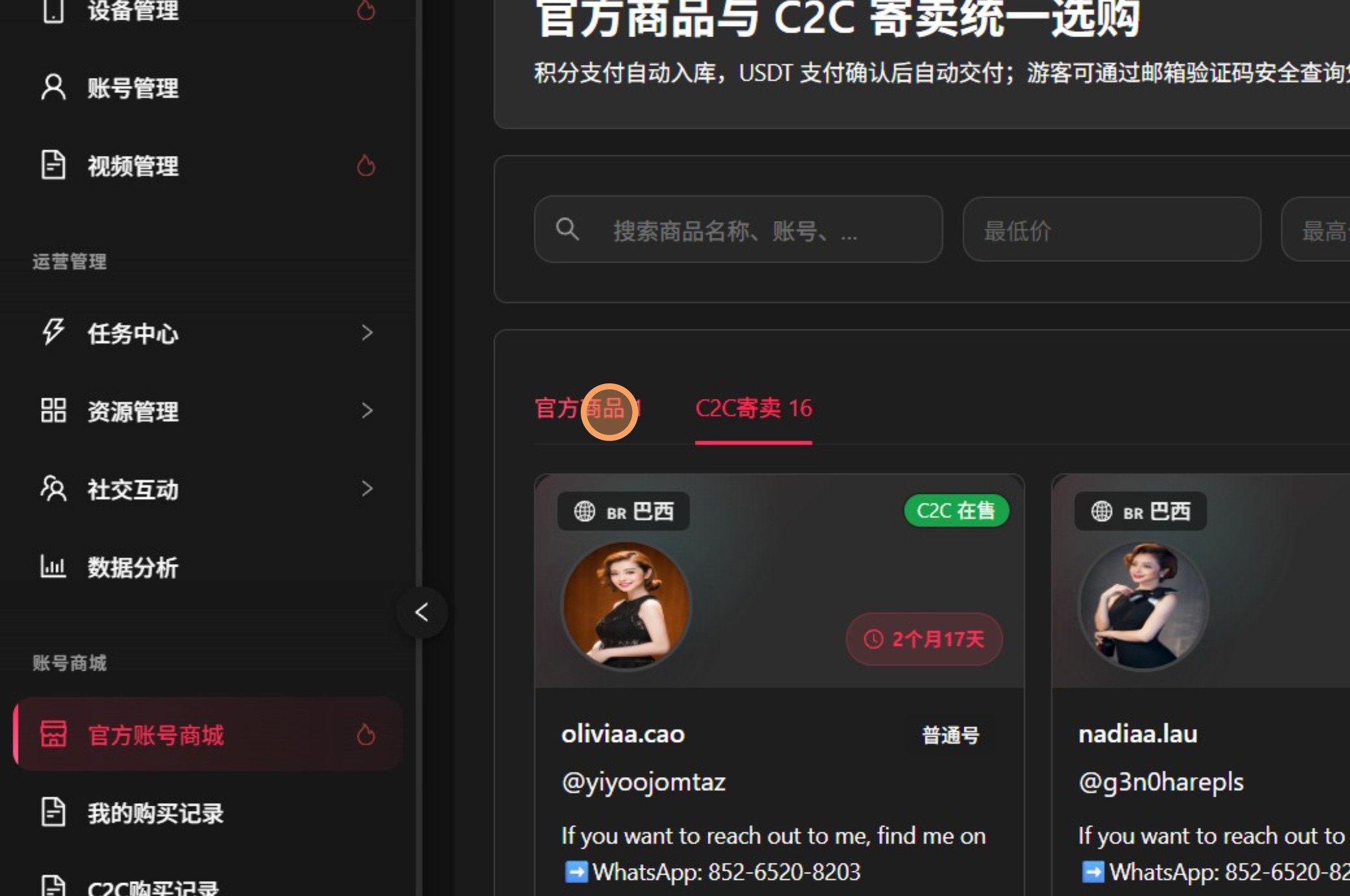
还可以选择在官方商品里面购买
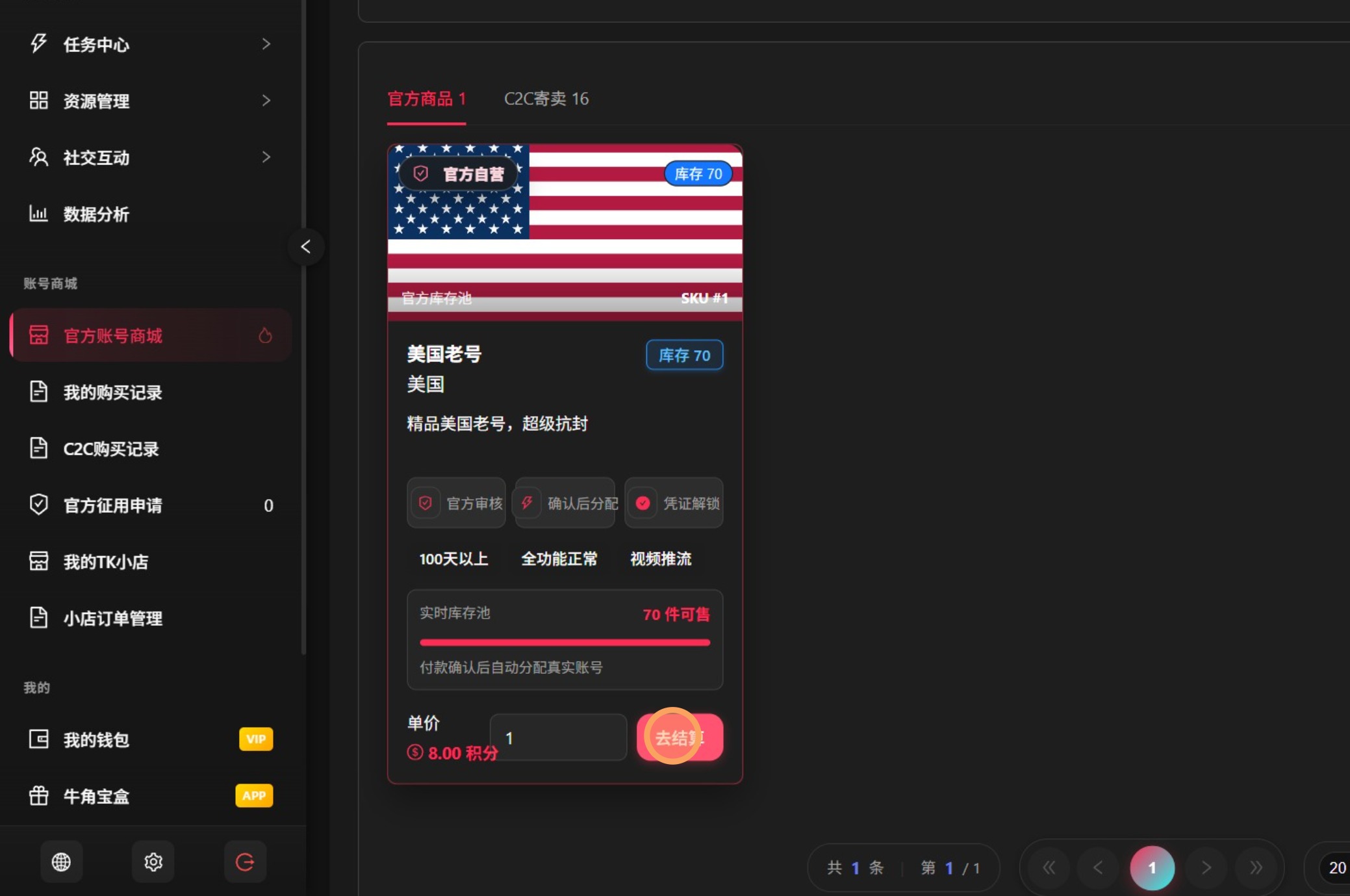
选择数量
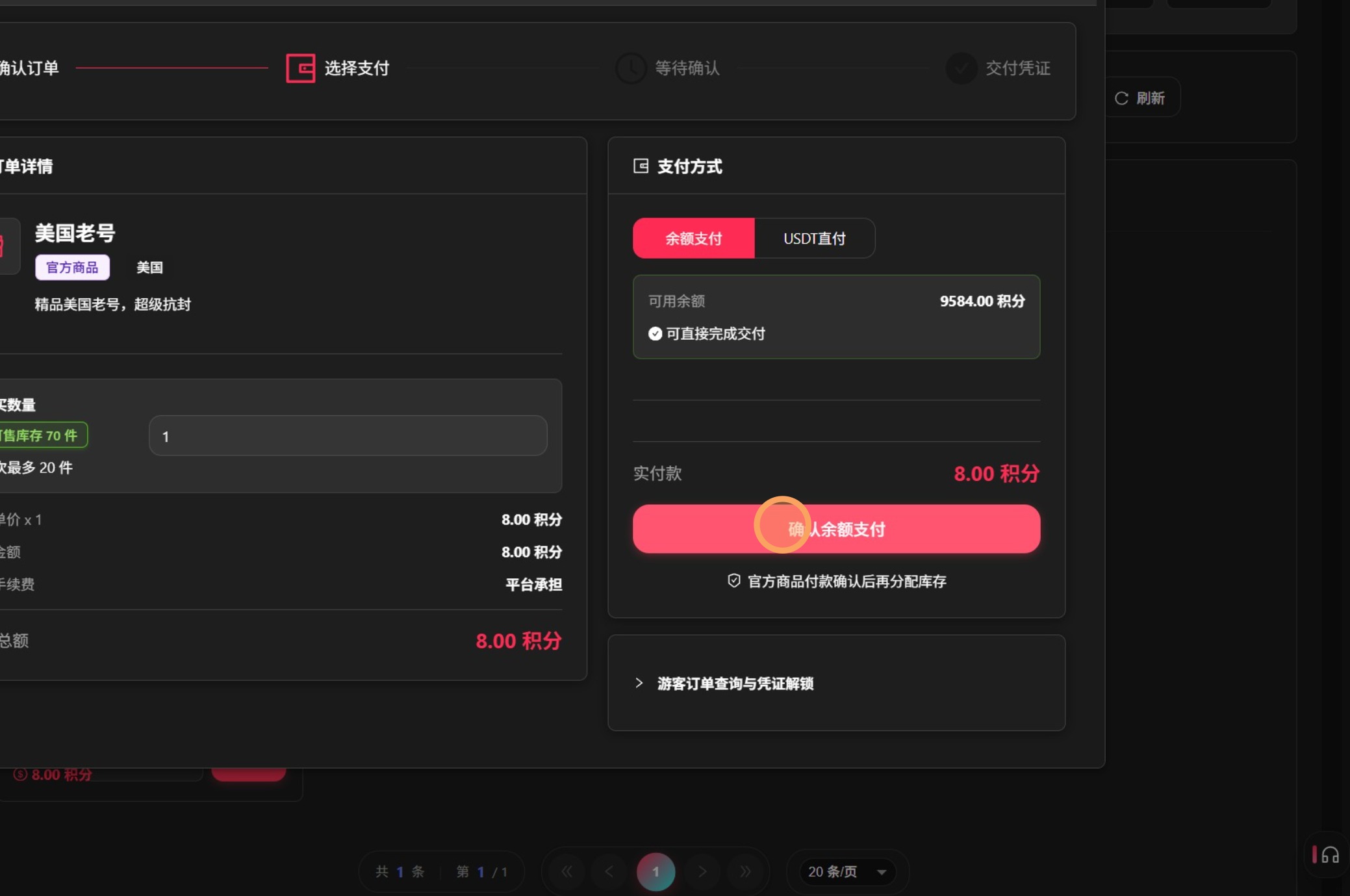
选择支付方式并确认完成余额支付。
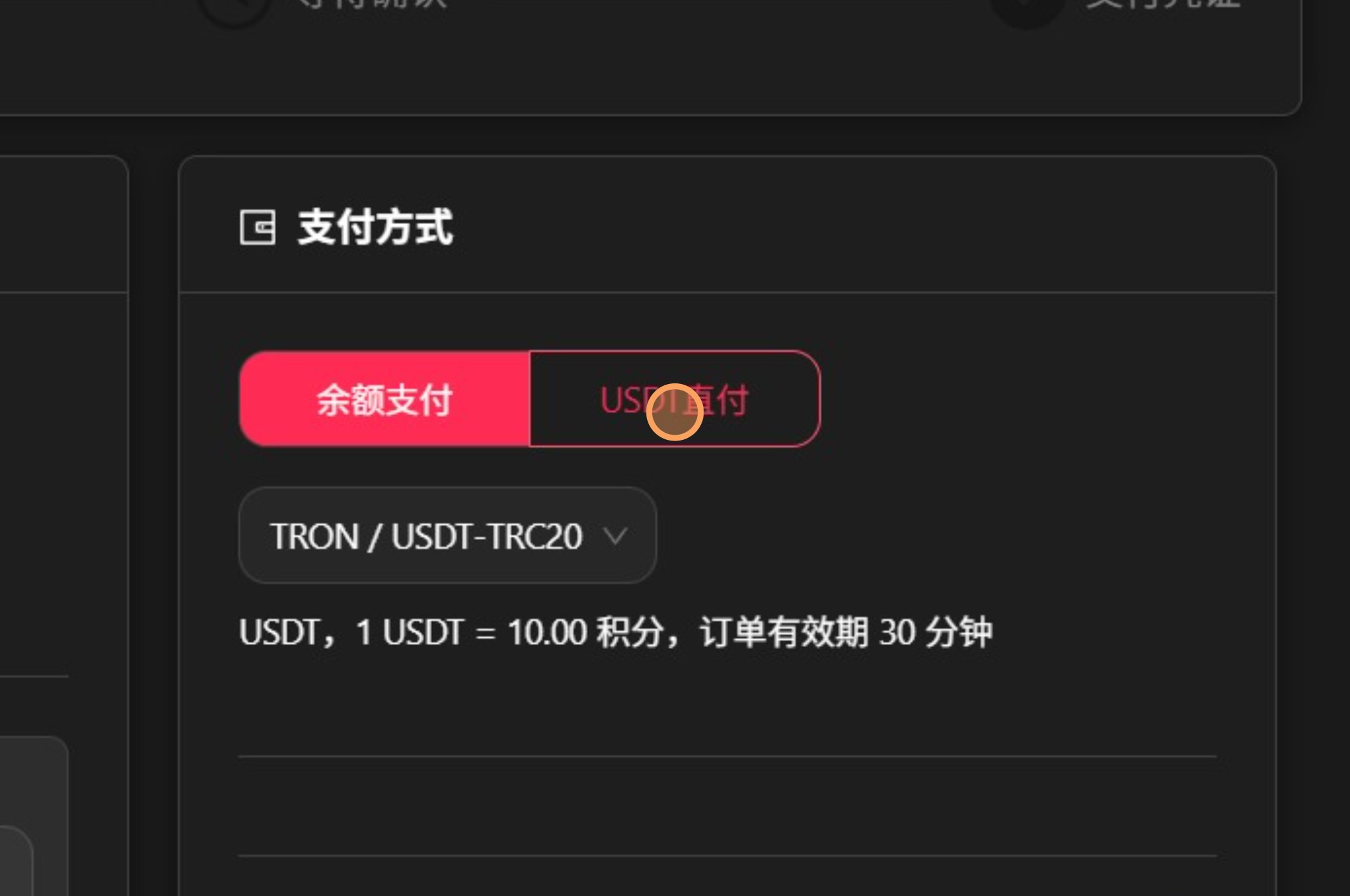
点击"USDT直付"单选按钮
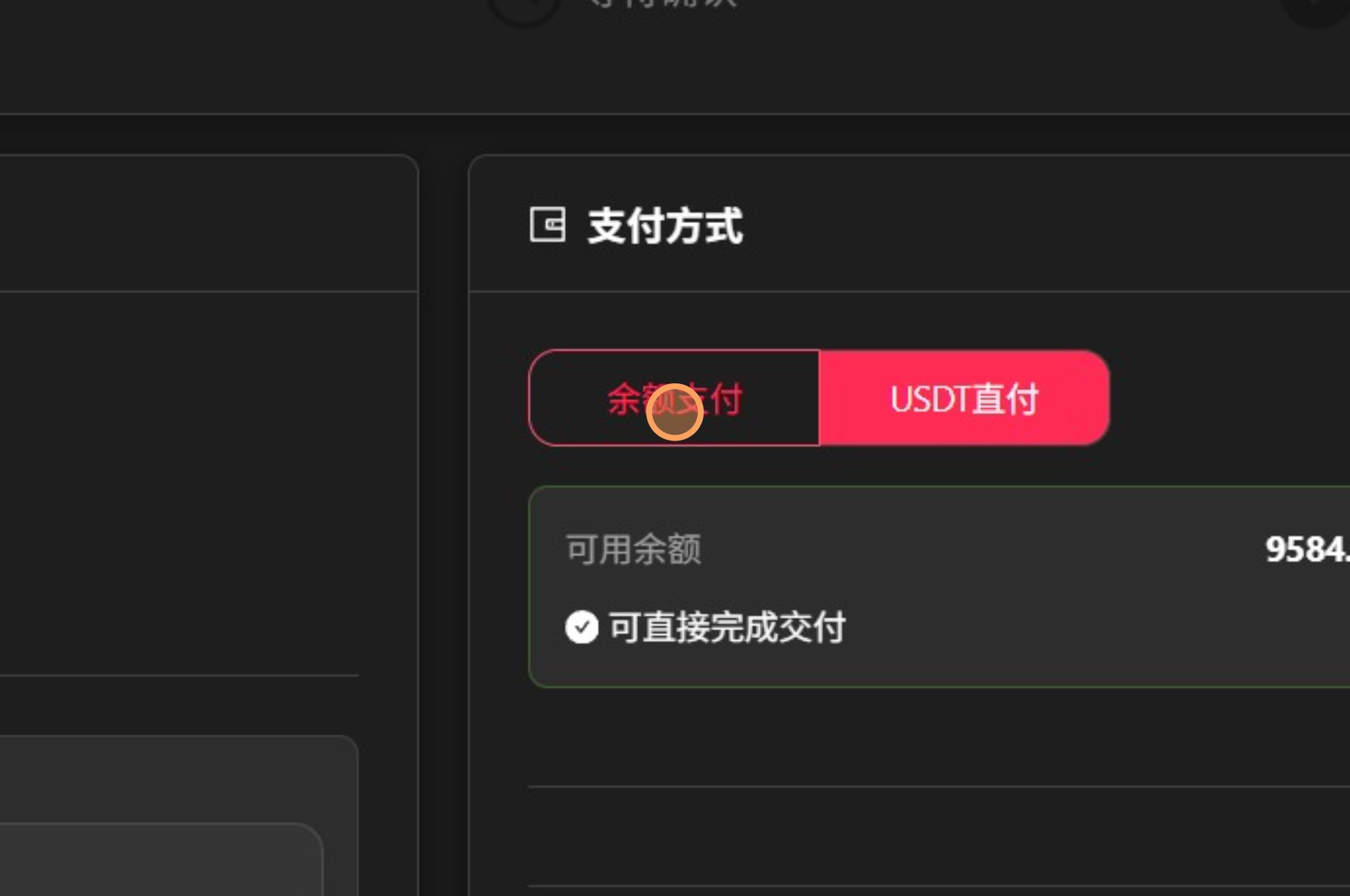
点击"余额支付"单选按钮
点击"确认余额支付"按钮
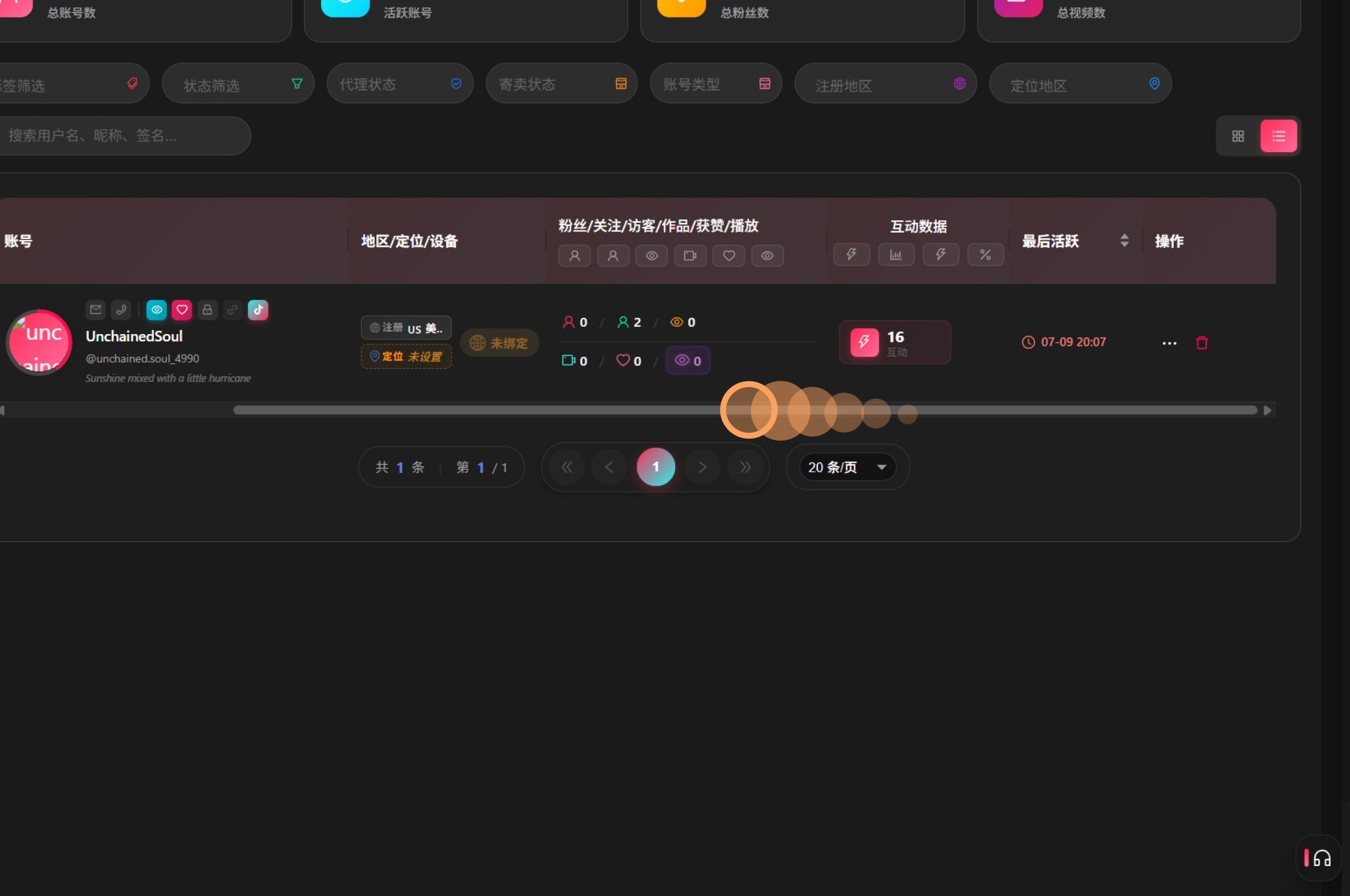
在购买记录或账号管理中确认已购买账号。
账号购买成功后可以在购买记录里面查询,或直接进入账号管理里面查看。
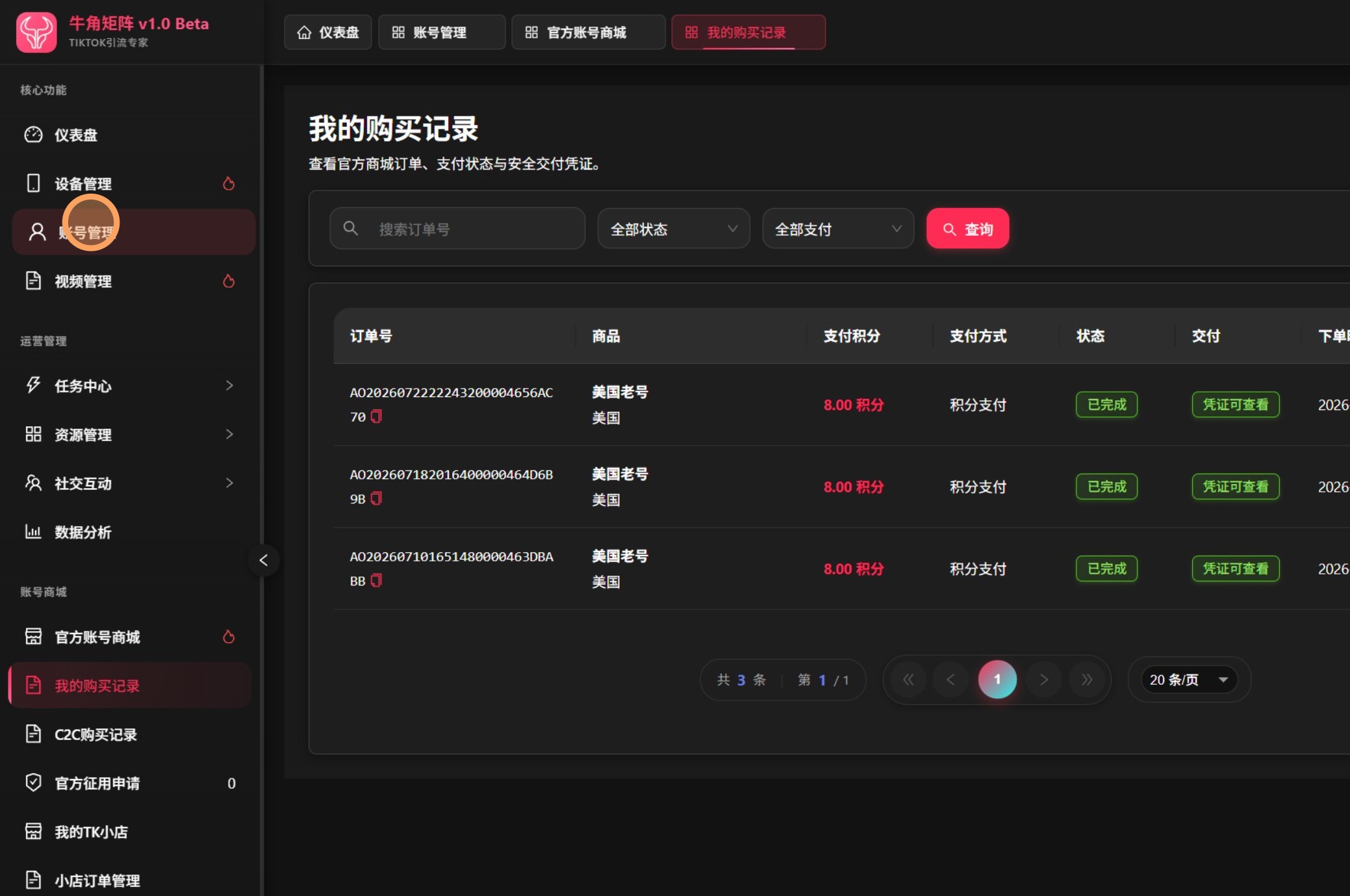
如果账号管理里面没有数据,可以刷新一下页面!
Cloud devices, dedicated proxies, batch publishing, analytics and a customer-service workbench in one platform.