
步骤 1 Open the page
访问“仪表盘 - 牛角矩阵 v1.0 Beta”[https://system.bullhorns.net/](https://system.bullhorns.net/)
Walks through renting devices, confirming quantity, and checking the device detail drawer afterward.
The video is embedded directly from the bangzhu source asset so users can see the full flow first and then follow the illustrated steps below.
从仪表盘进入设备管理,并打开租赁设备弹窗。
访问“仪表盘 - 牛角矩阵 v1.0 Beta”[https://system.bullhorns.net/](https://system.bullhorns.net/)
点击"设备管理"
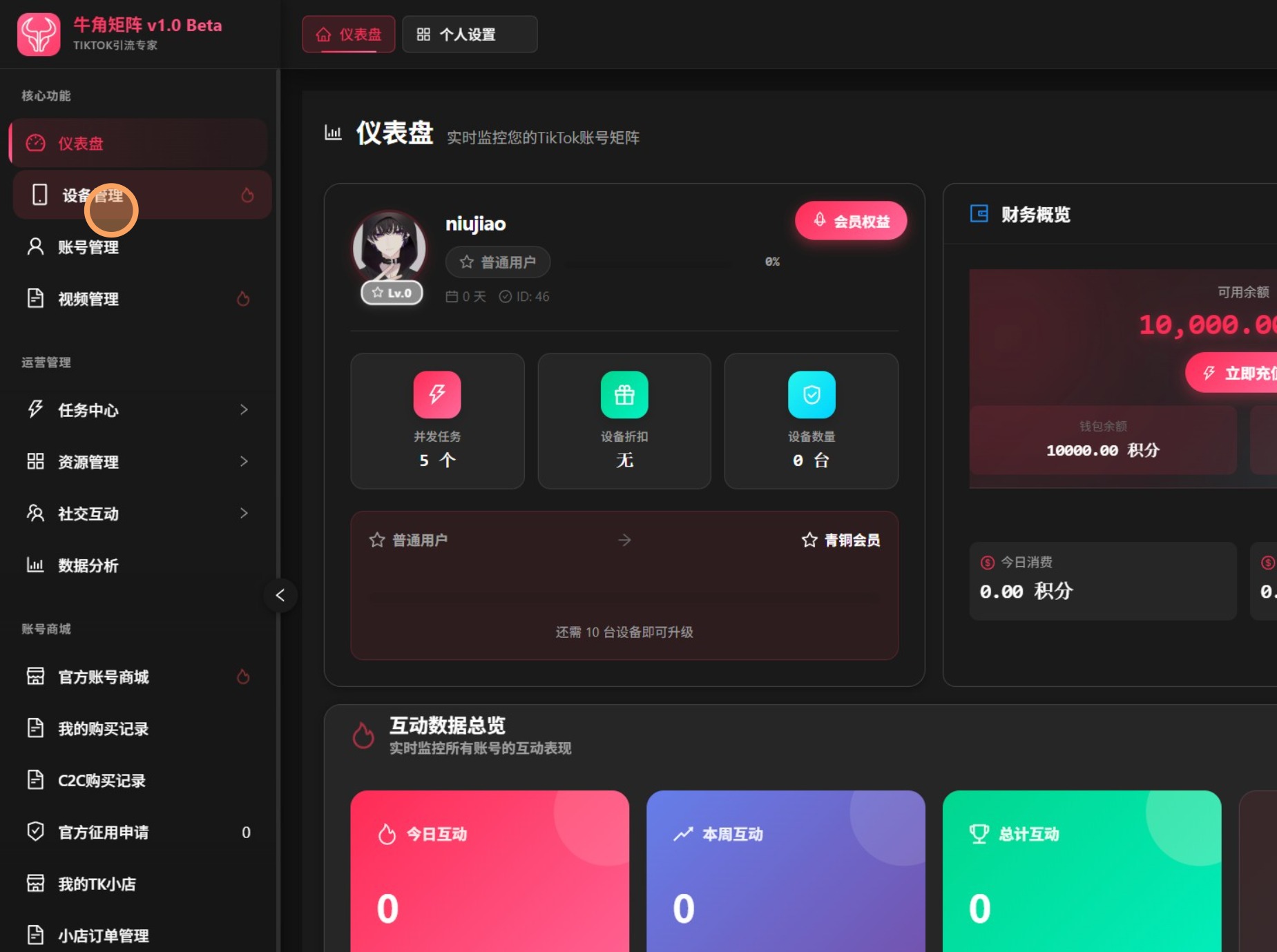
点击"租赁设备"按钮
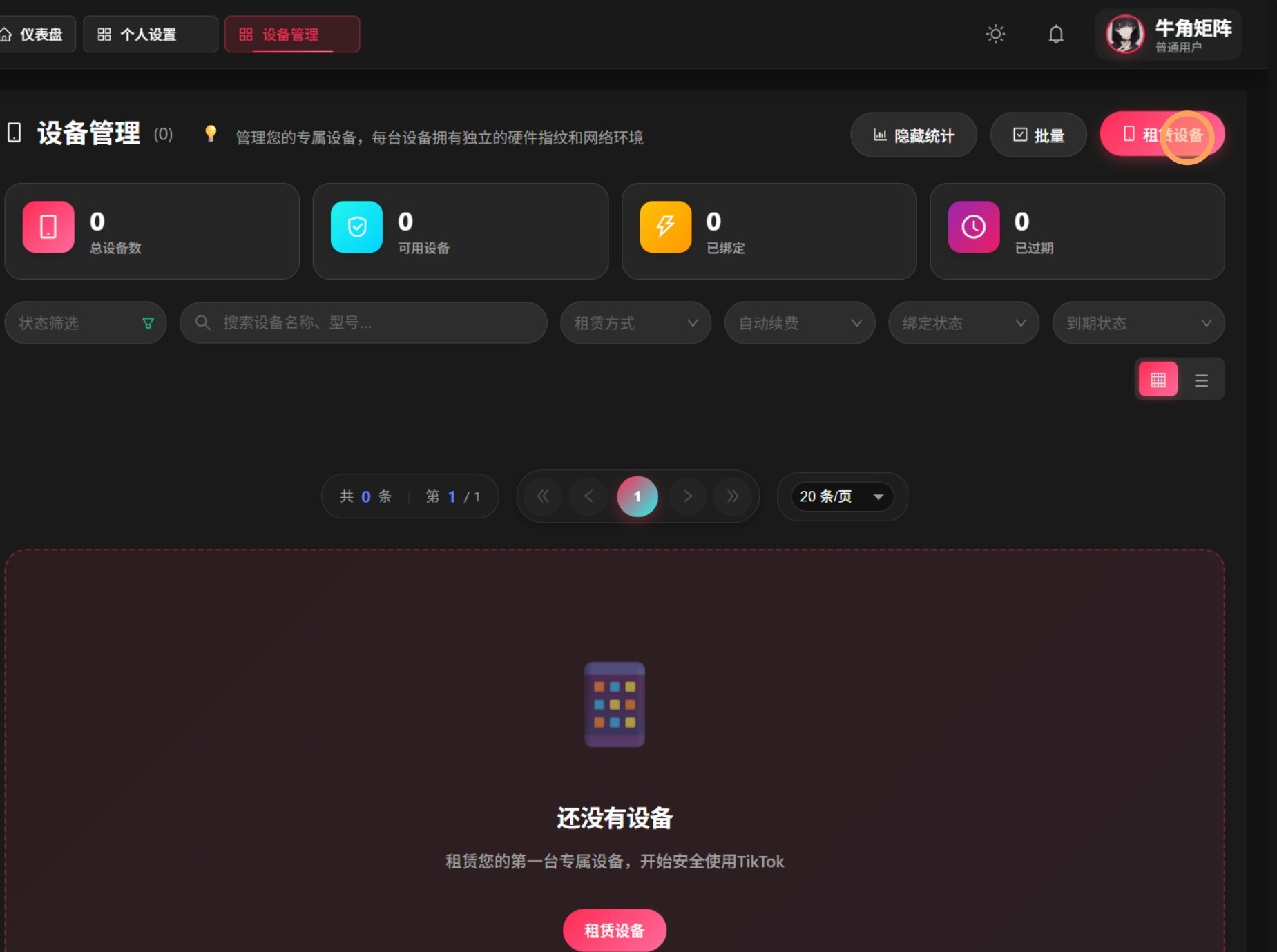
确认租赁模式、输入前缀和数量,然后完成租赁。
设备租赁可以分为天、月、年、单个租赁和批量租赁
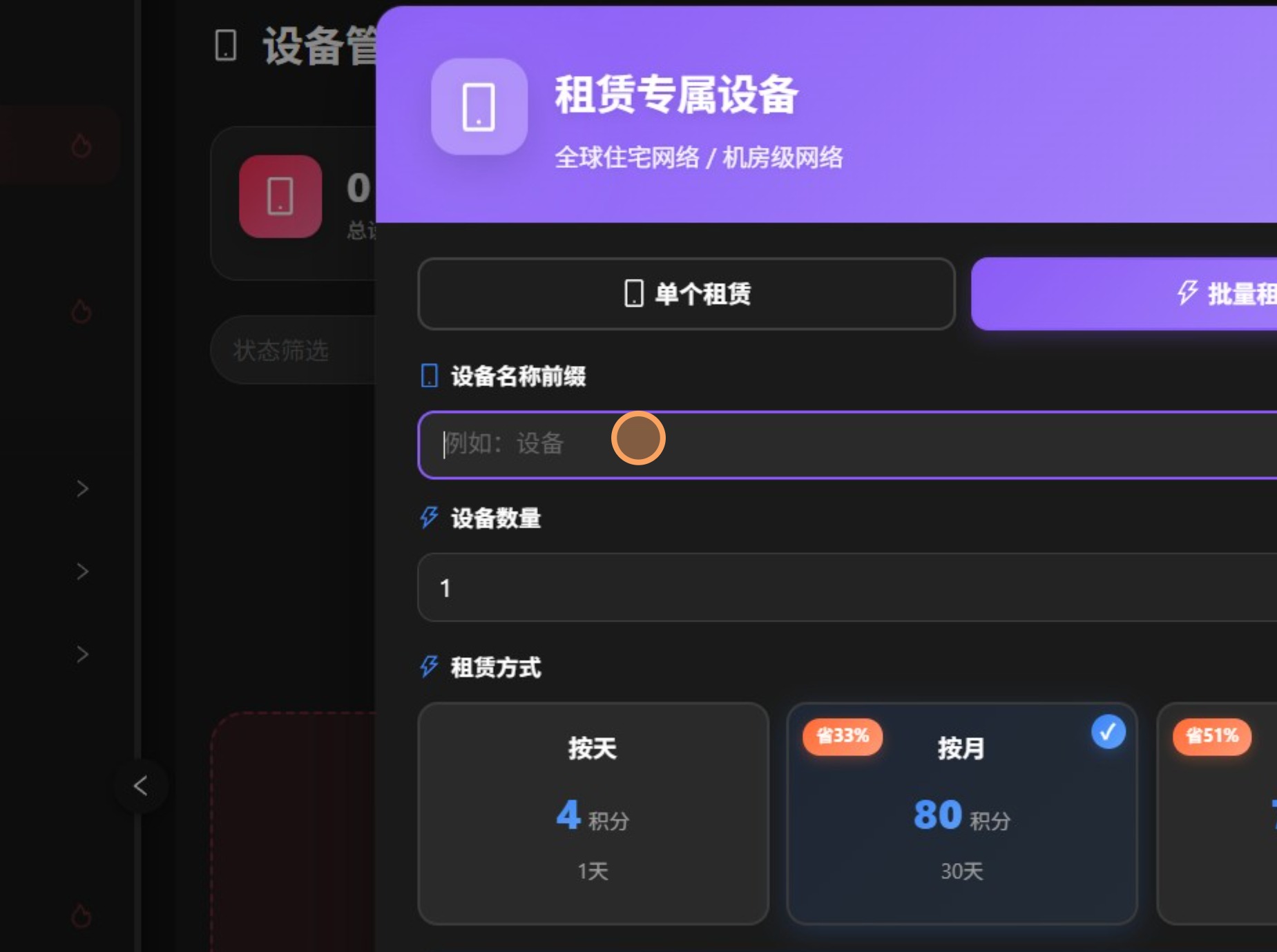
输入设备名称前缀,随意输入
输入租赁设备数量
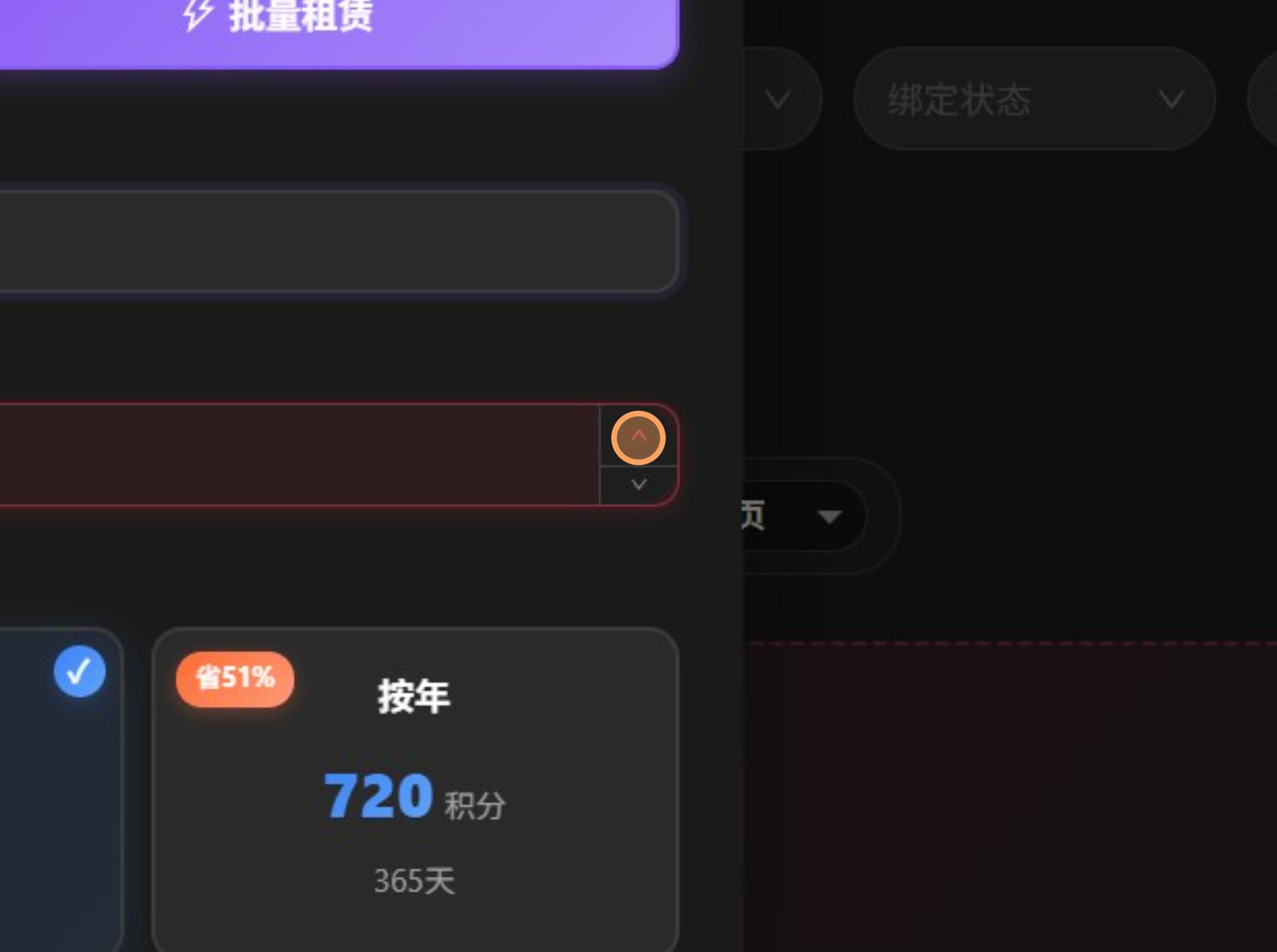
点击"确认租赁"按钮
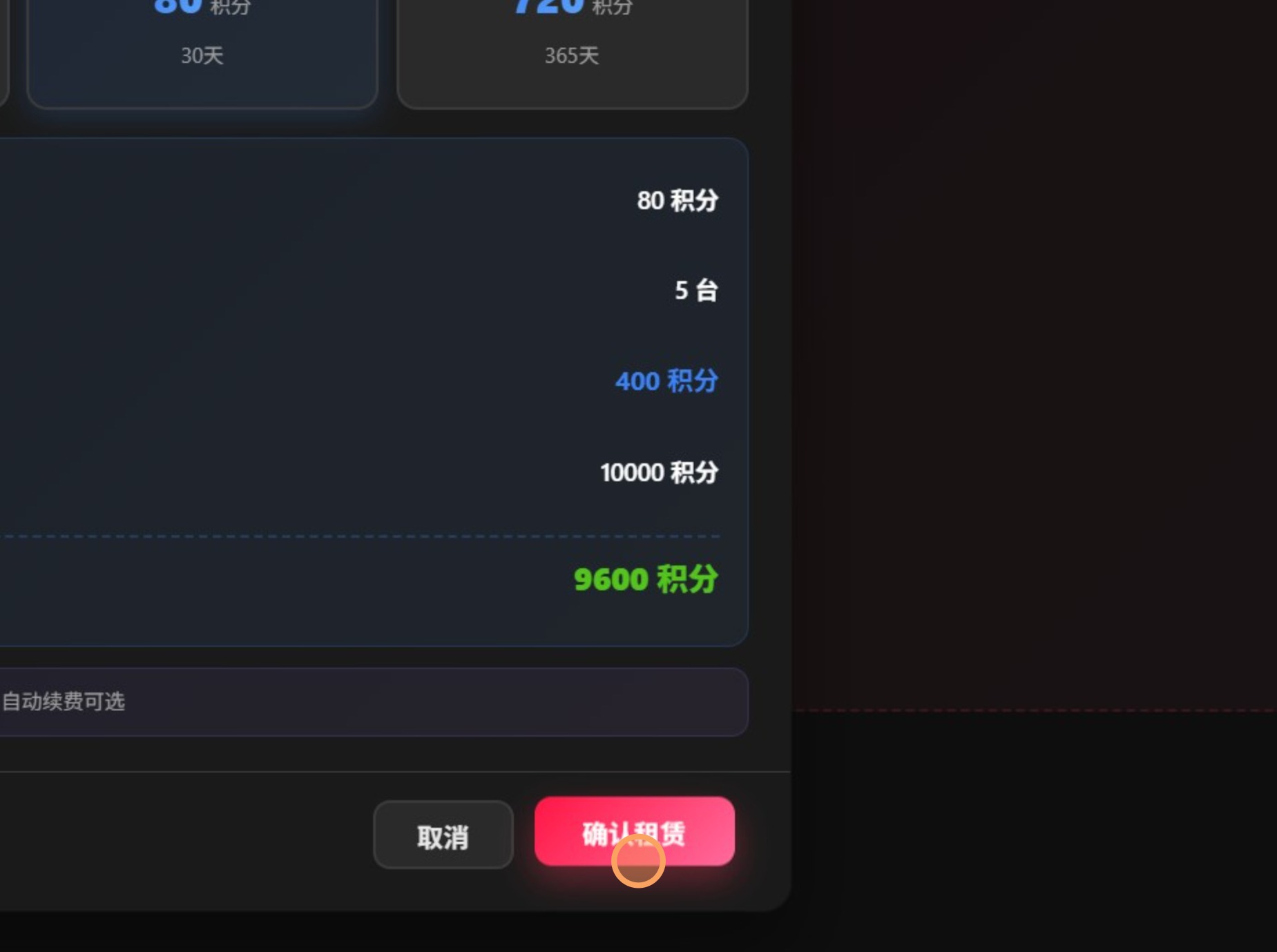
租赁成功后进入设备列表,并在抽屉中查看设备详细配置。
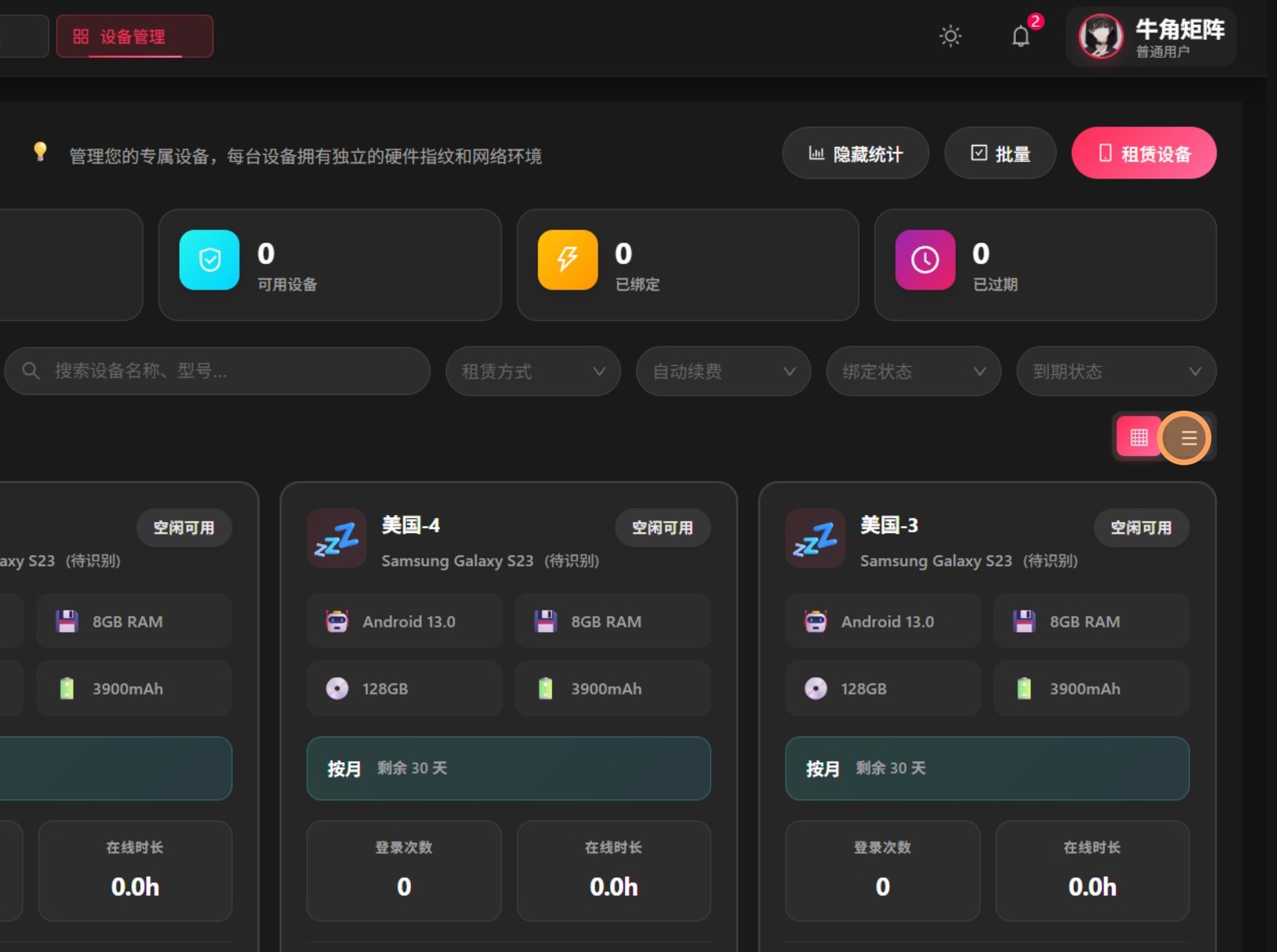
设备租赁成功,可以点击列表模式查看设备。
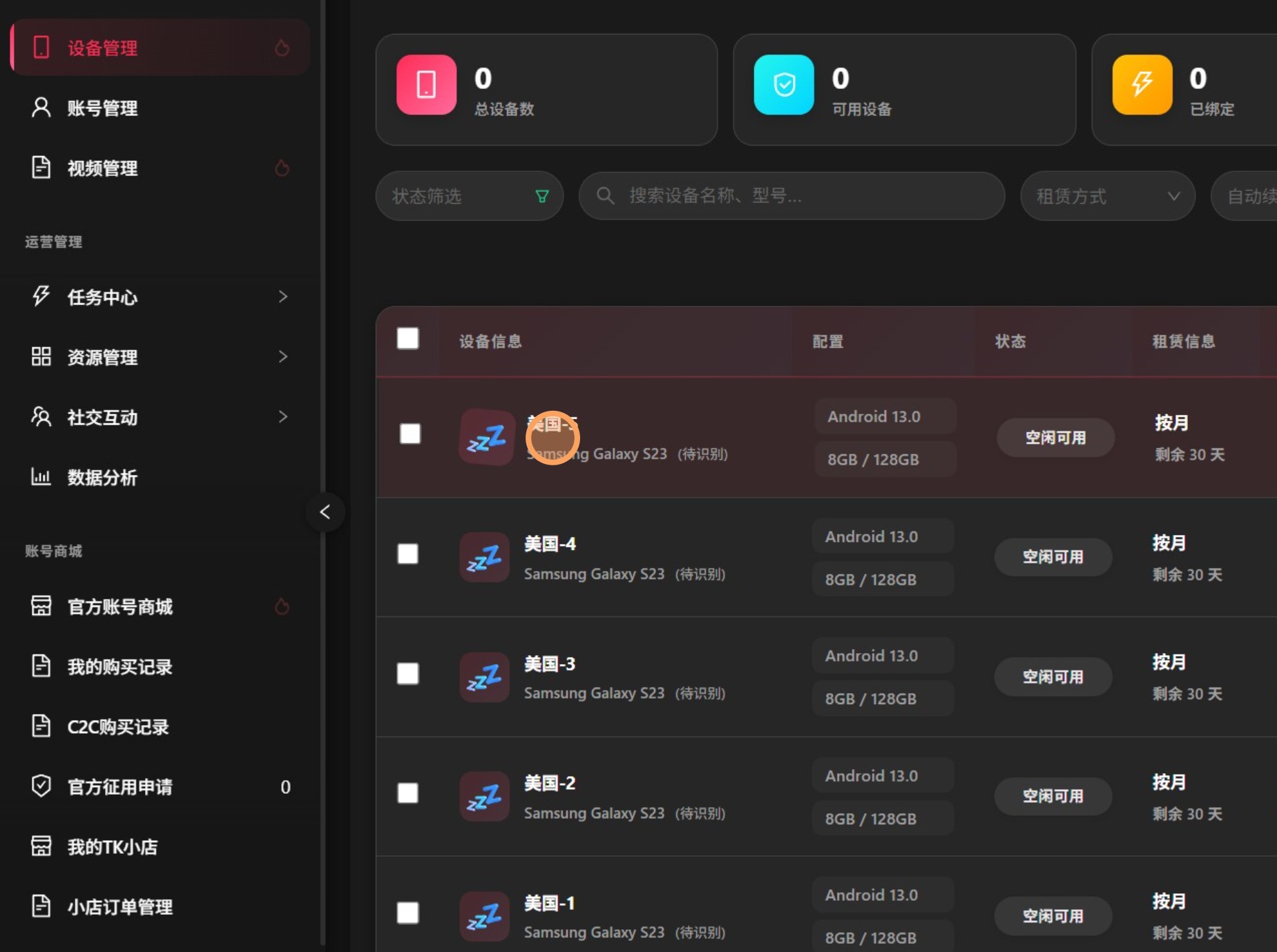
点击设备名称
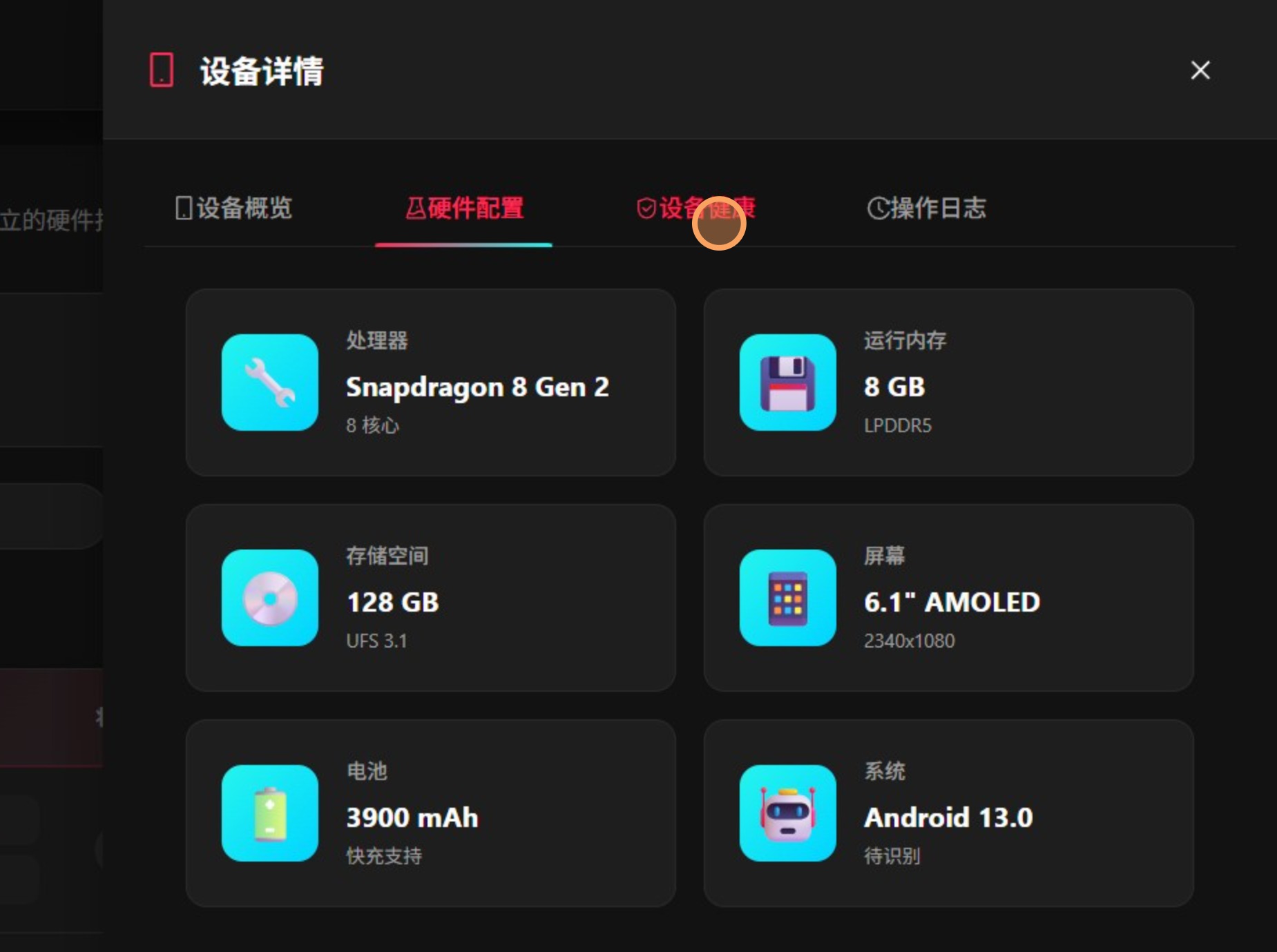
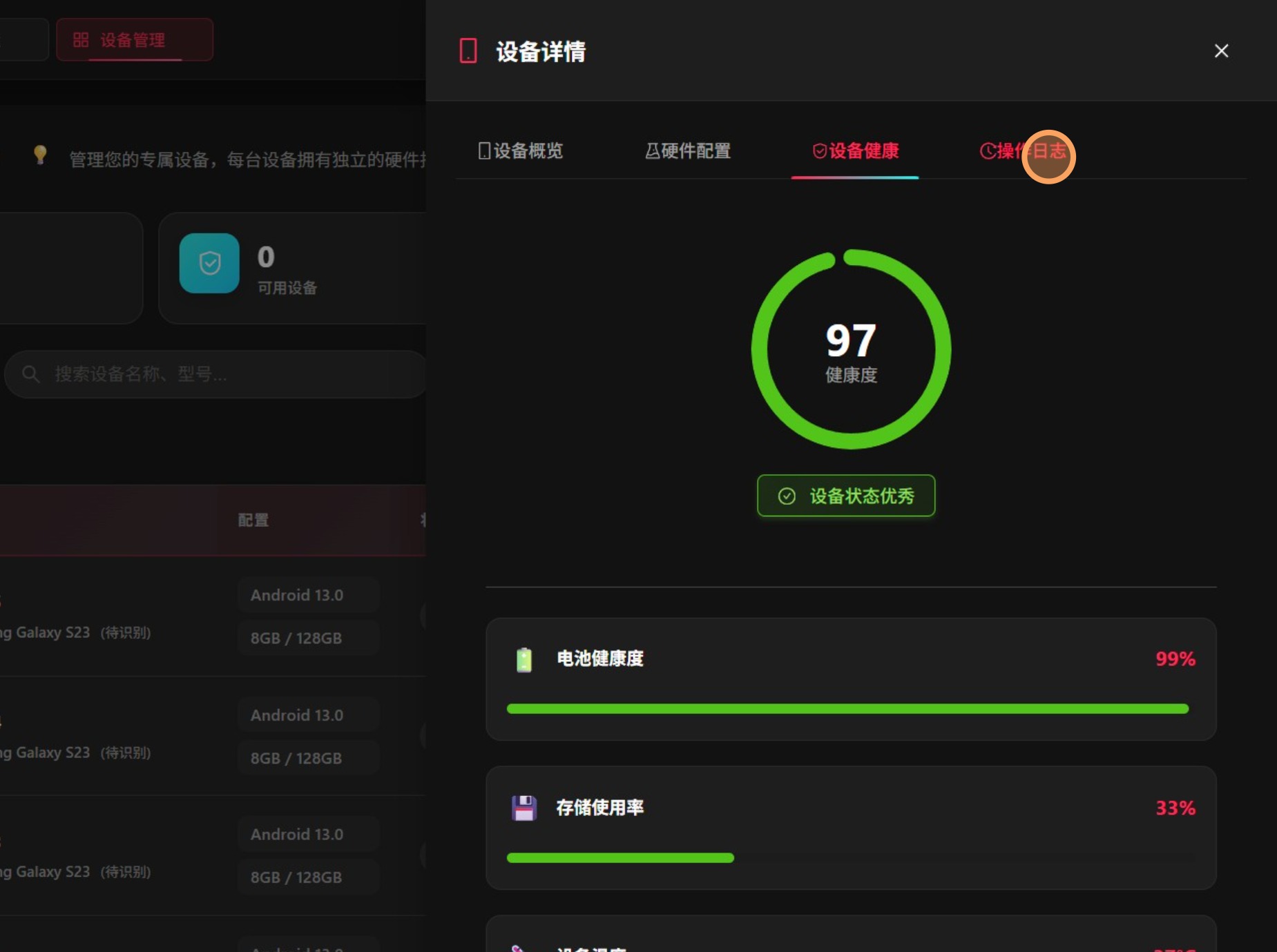
右边弹出的抽屉里面可以查阅设备详细信息
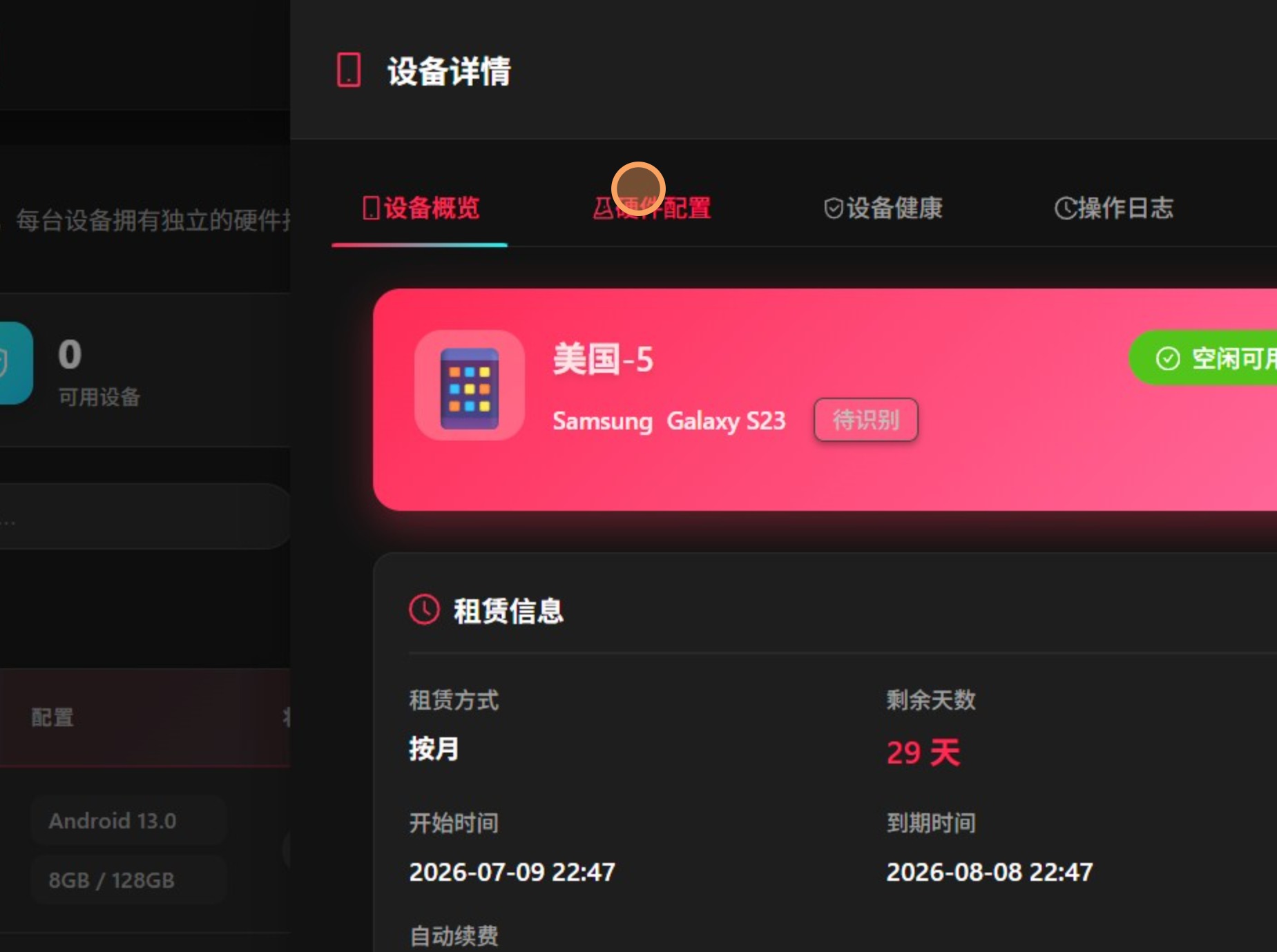
设备硬件信息
设备健康信息
Cloud devices, dedicated proxies, batch publishing, analytics and a customer-service workbench in one platform.