步骤 1 Step
访问“账号管理 - 牛角矩阵 v1.0 Beta”
Covers profile synchronization, TikTok version upgrades, profile editing, and phone, password, and two-factor authentication management.
The video is embedded directly from the bangzhu source asset so users can see the full flow first and then follow the illustrated steps below.
同步账号信息、升级 TikTok 版本,并编辑头像、昵称和签名。
访问“账号管理 - 牛角矩阵 v1.0 Beta”
点击设置按钮
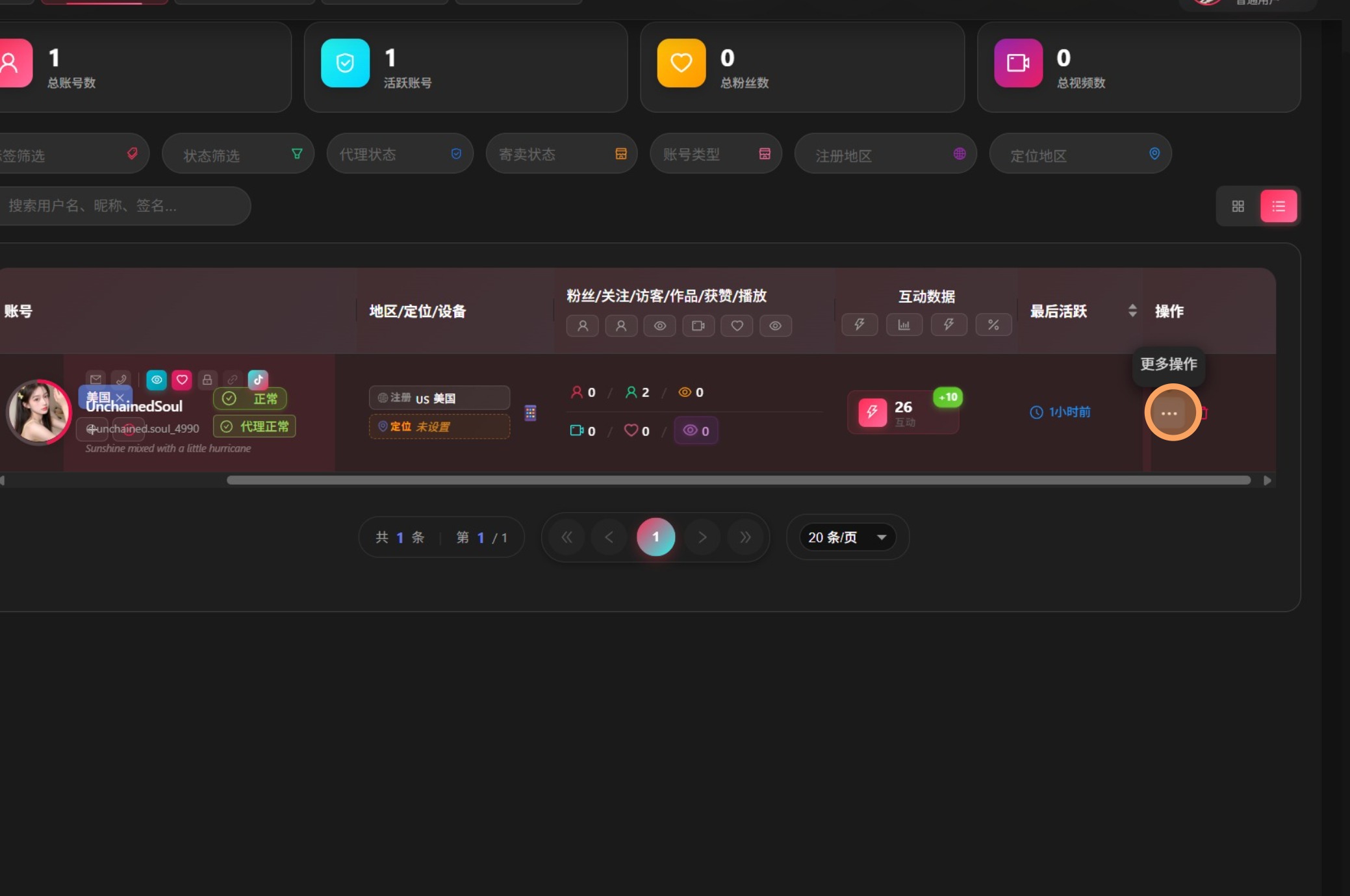
点击"更新账号资料"同步最新账号信息
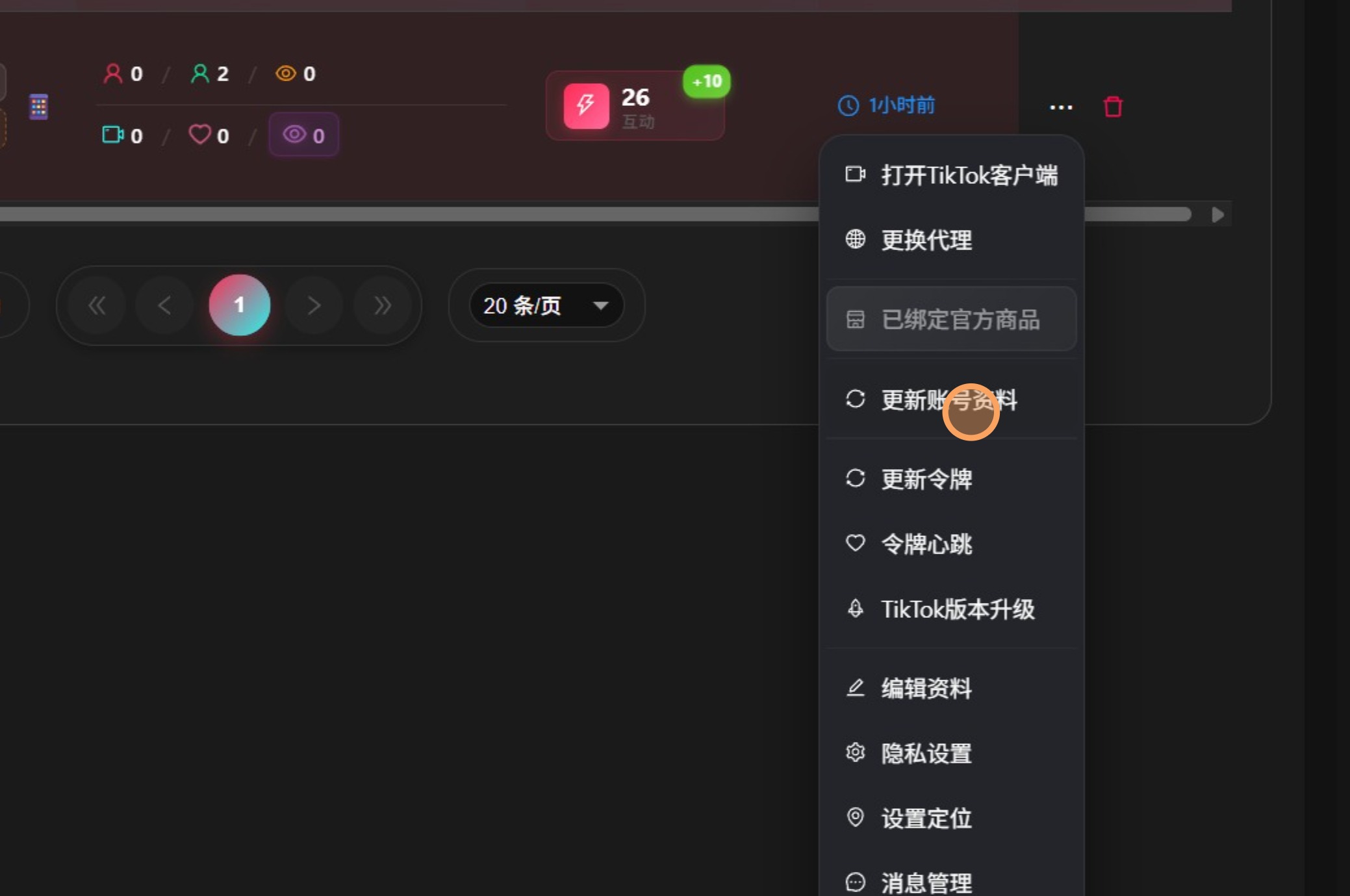
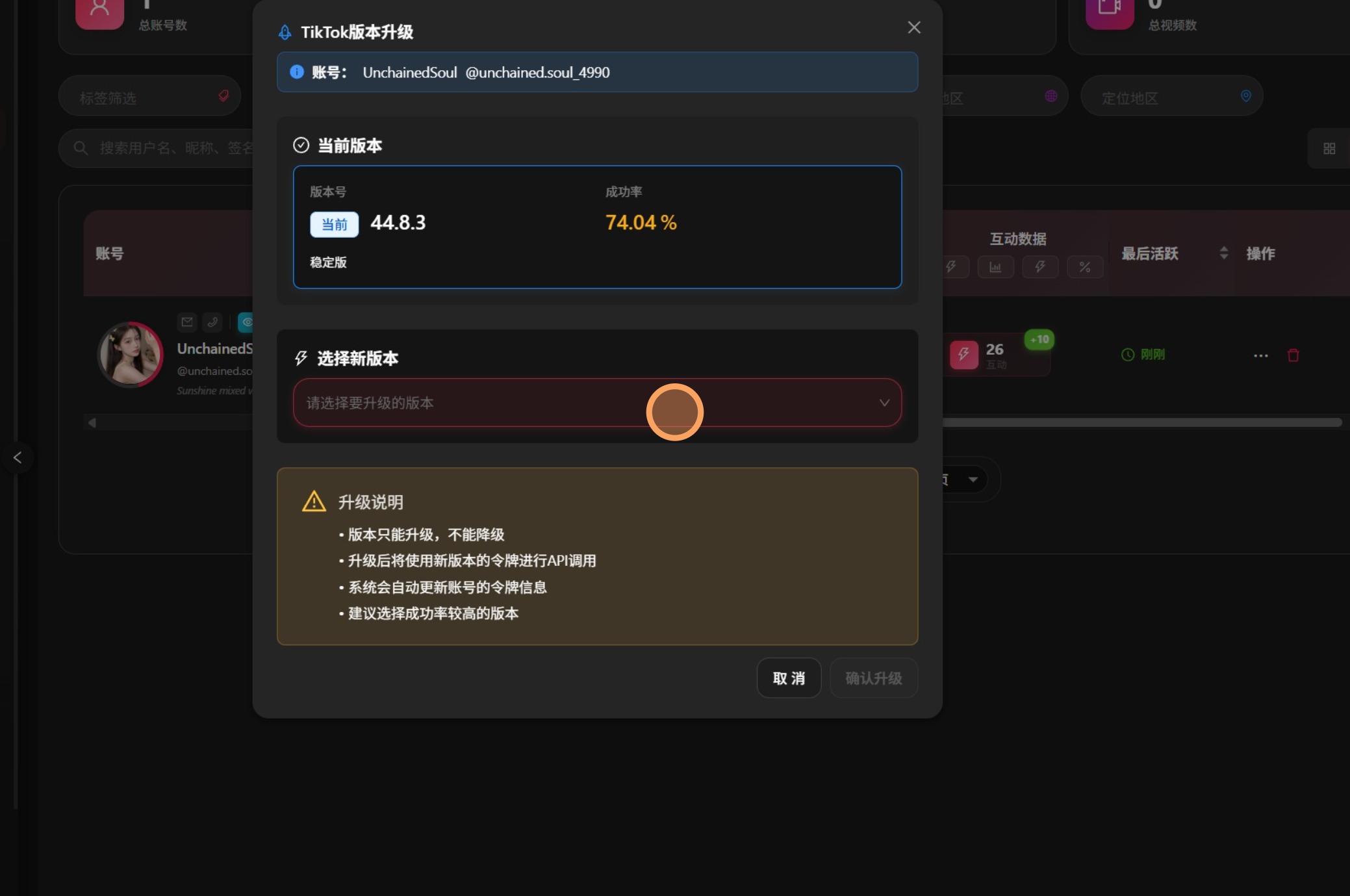
点击"TikTok版本升级"
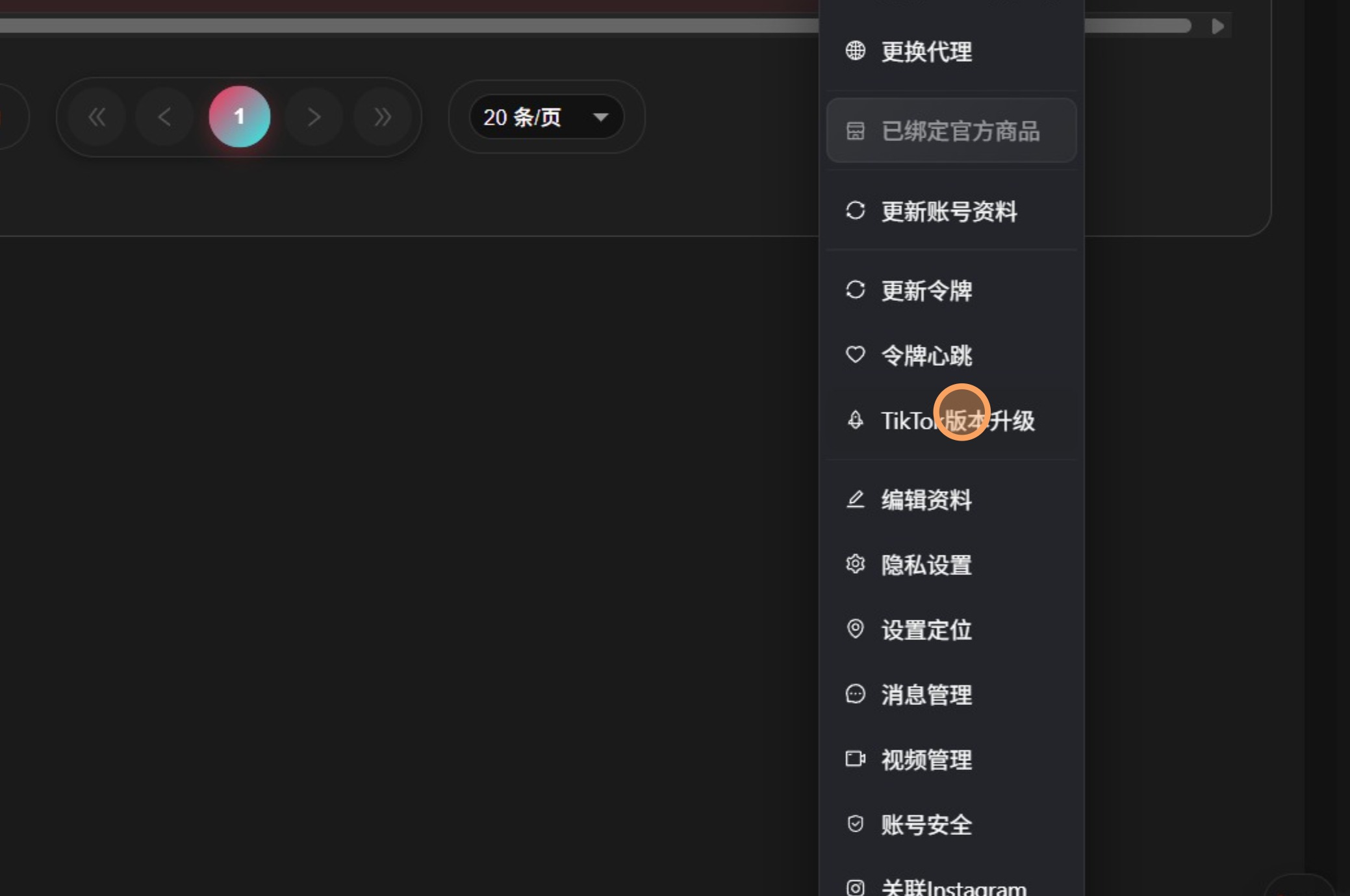
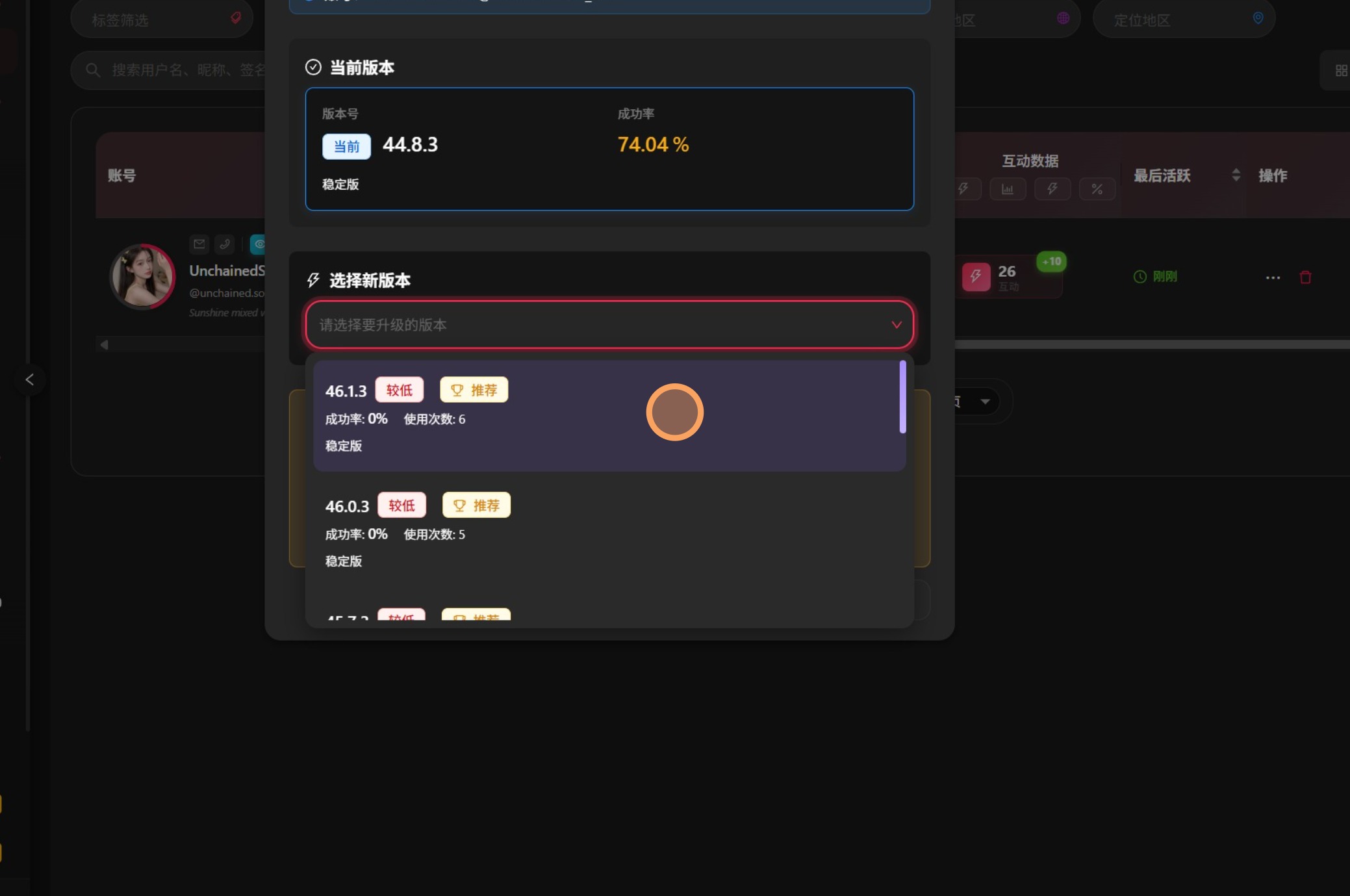
点击"要升级的版本"选择框
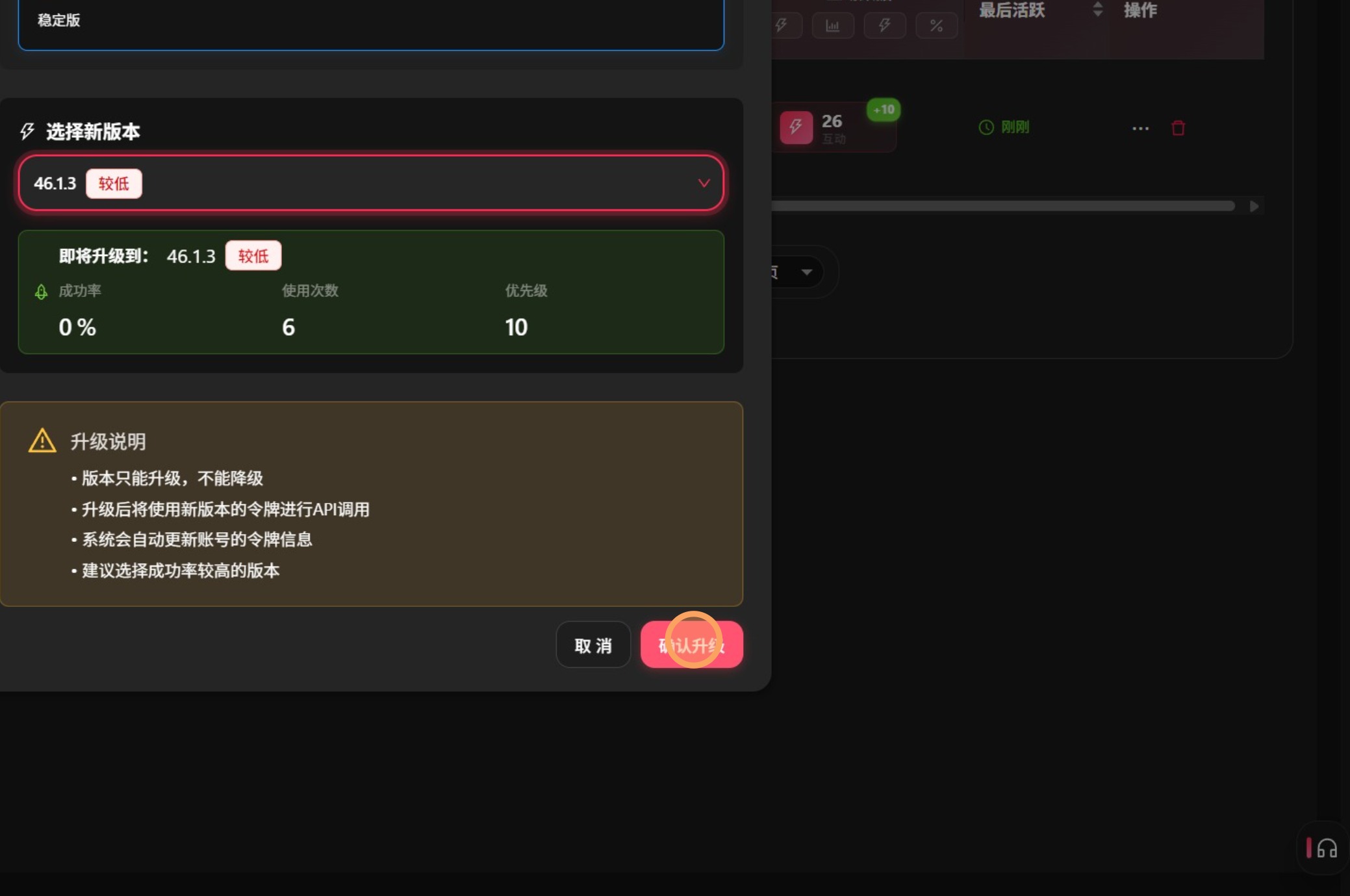
选择最新版本号
点击"确认升级"按钮
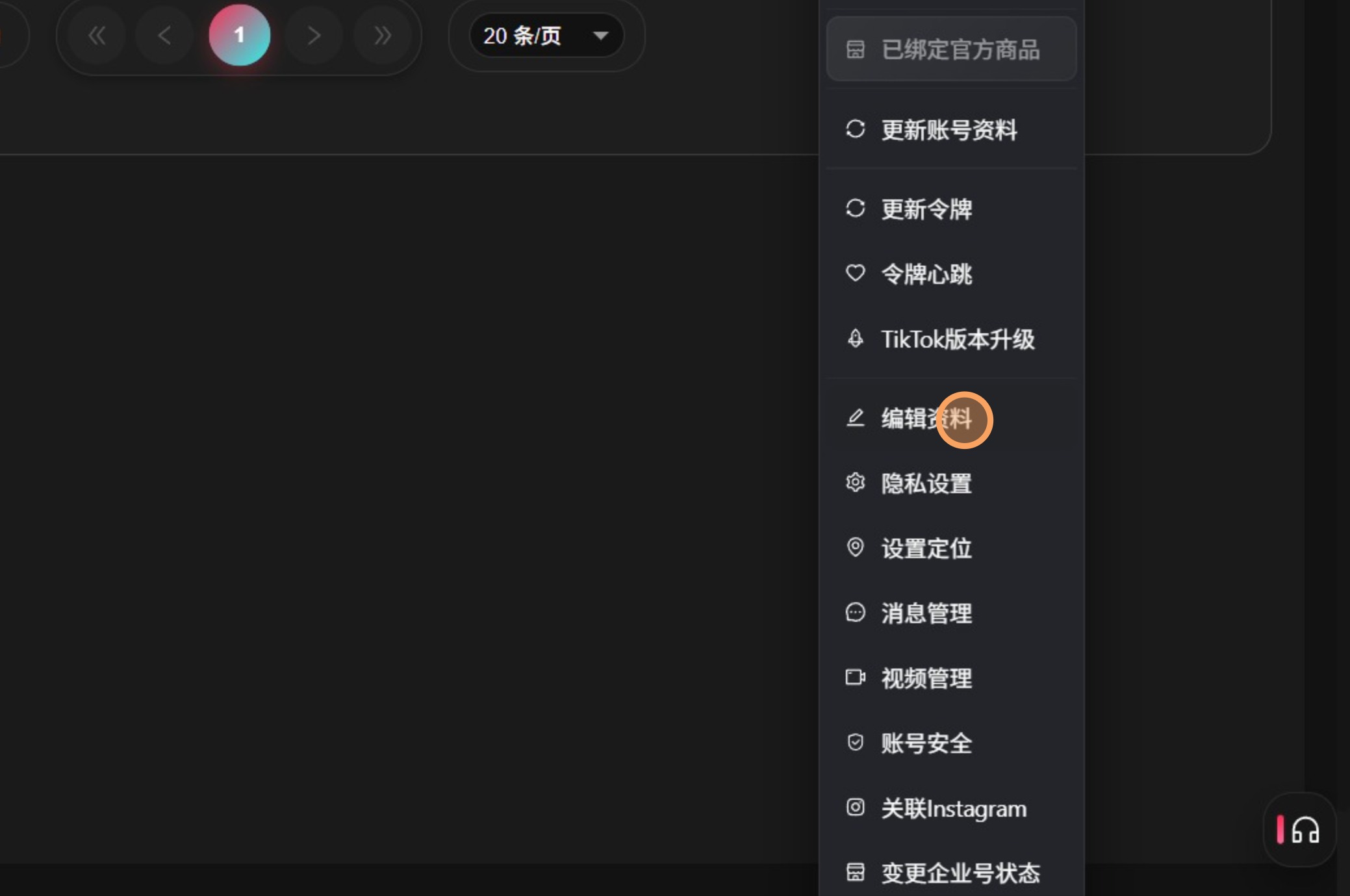
点击"编辑资料"
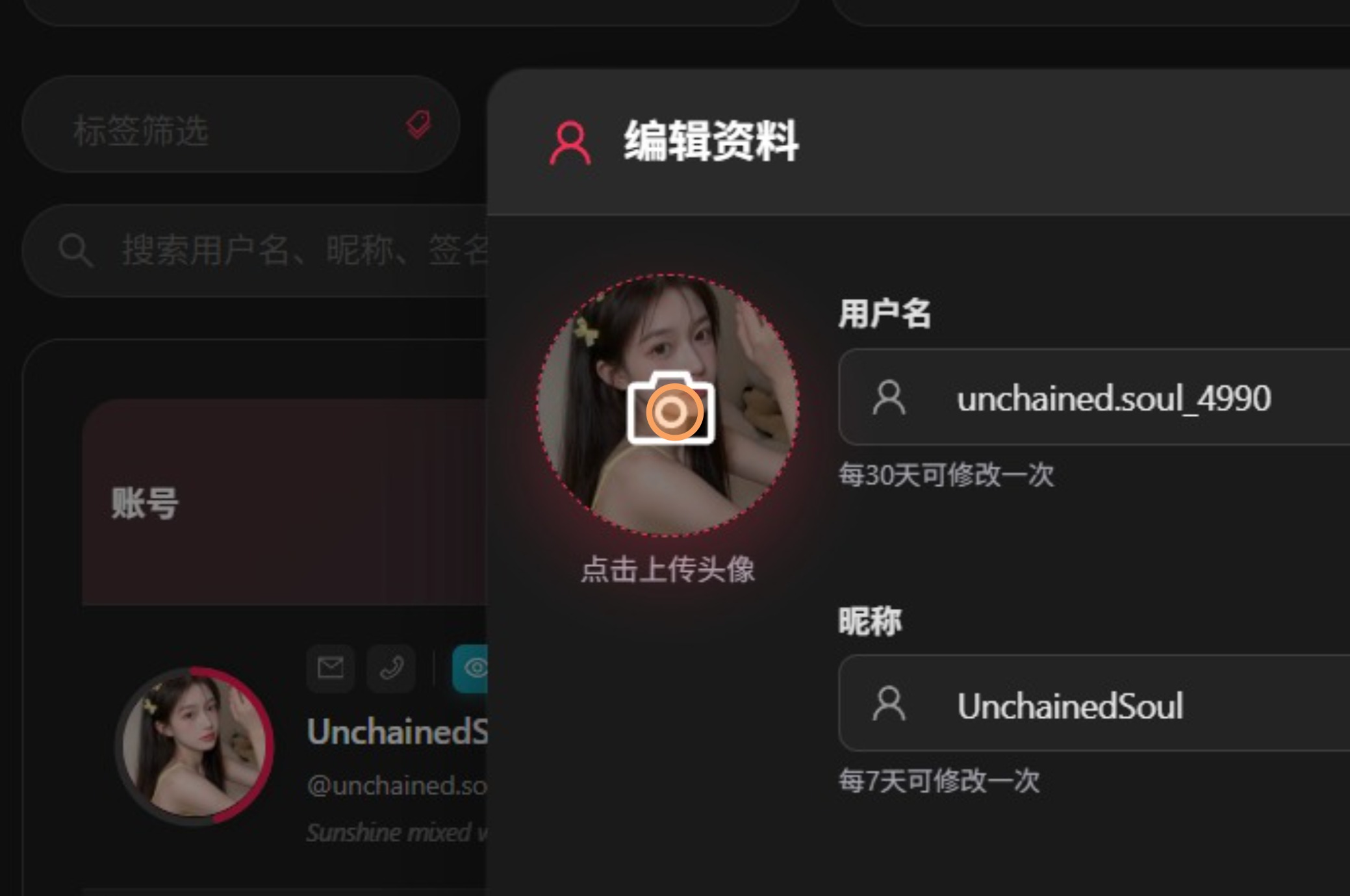
点击"点击上传头像"选择框
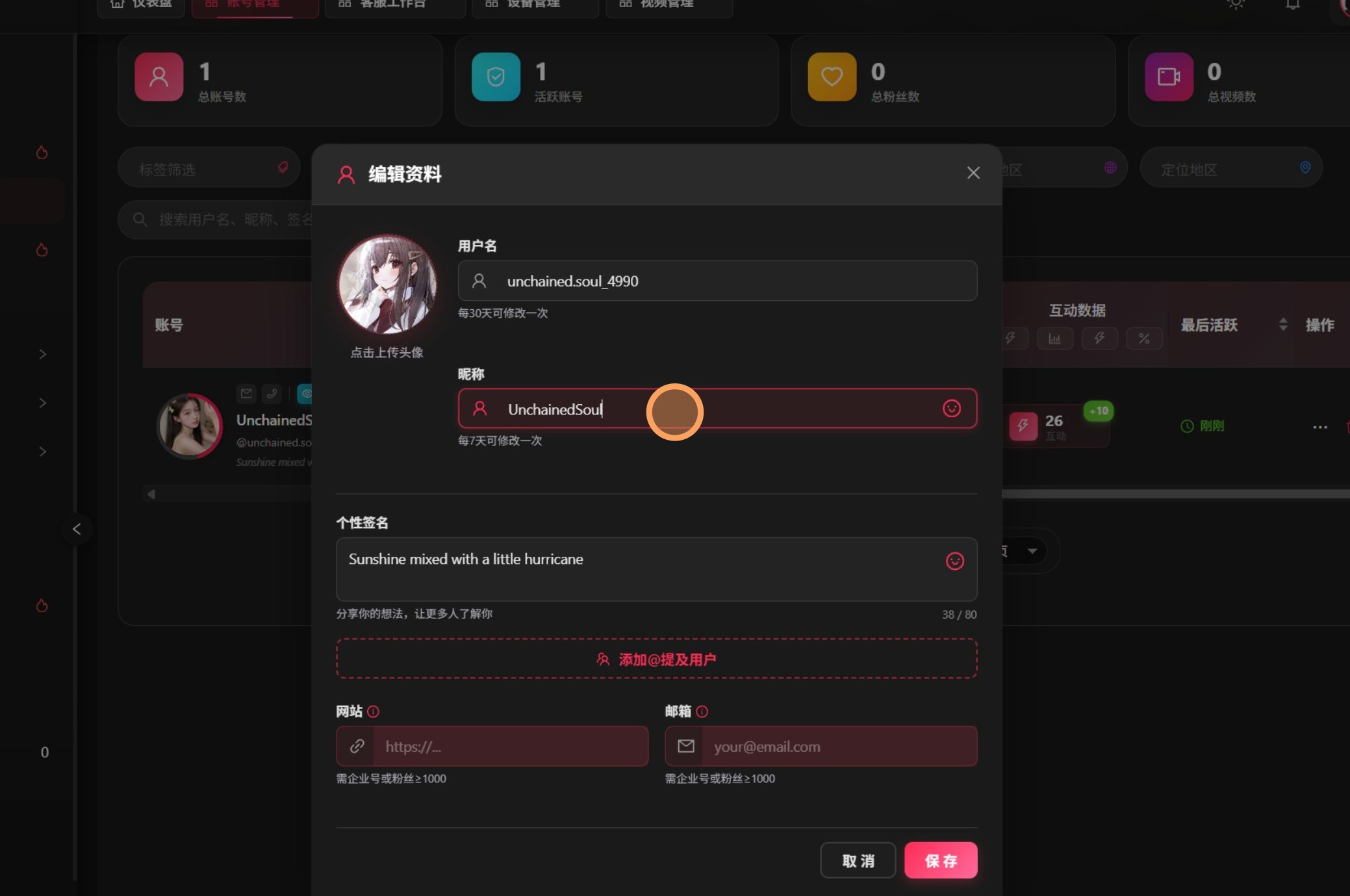
点击昵称,7天可修改一次
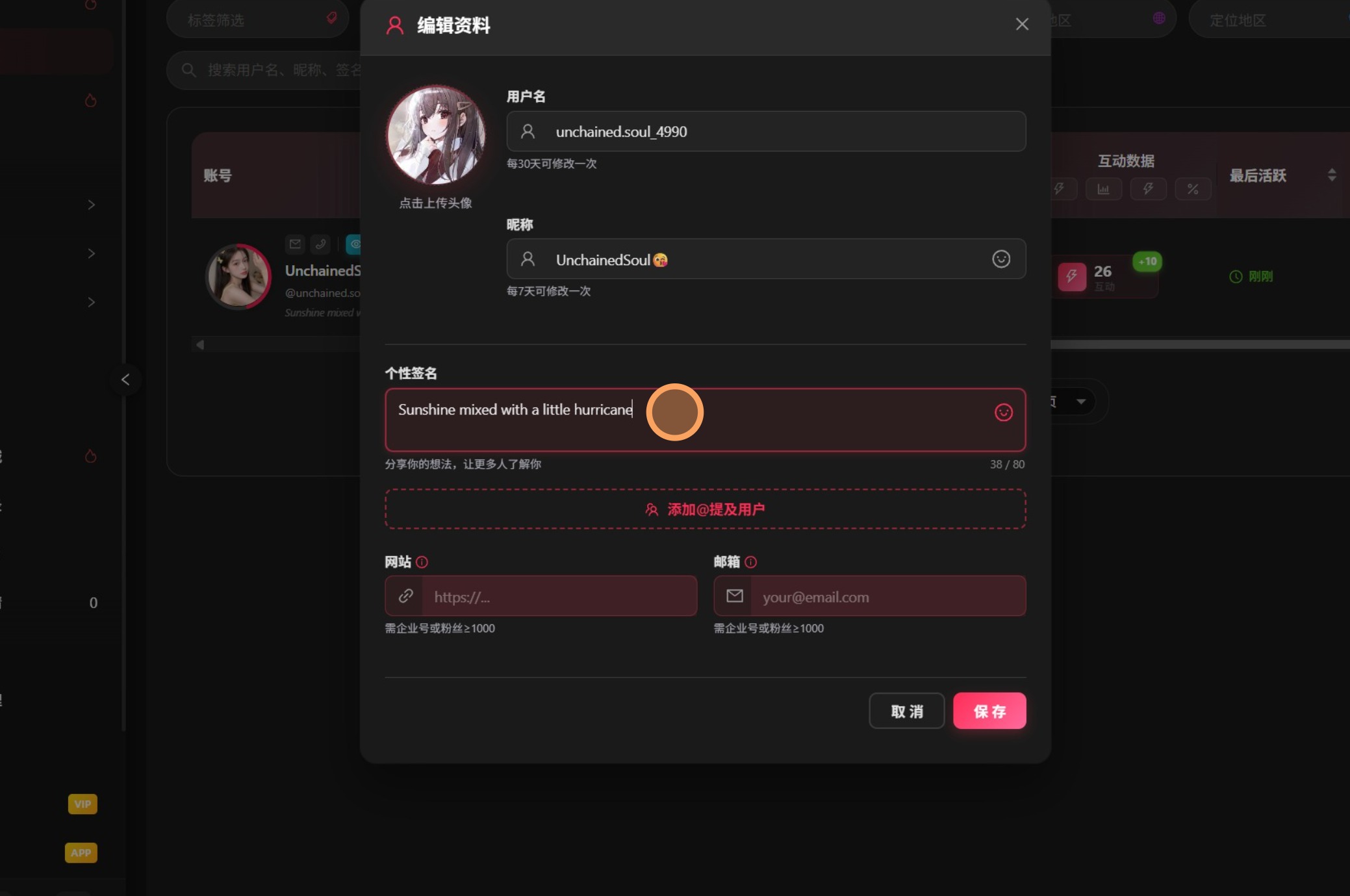
修改签名
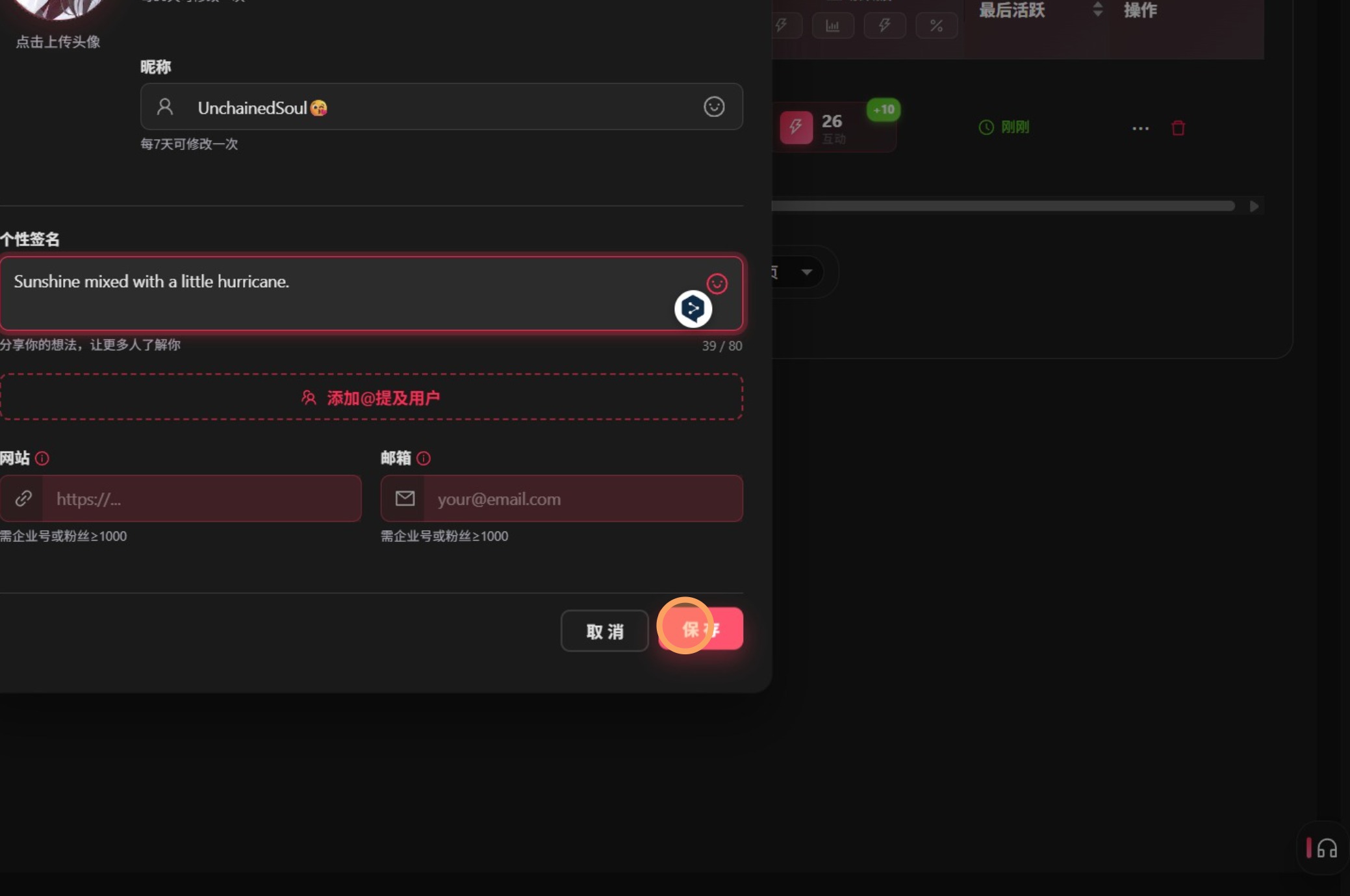
点击"保 存"输入框
进入账号安全,管理手机号、密码和双因素认证。
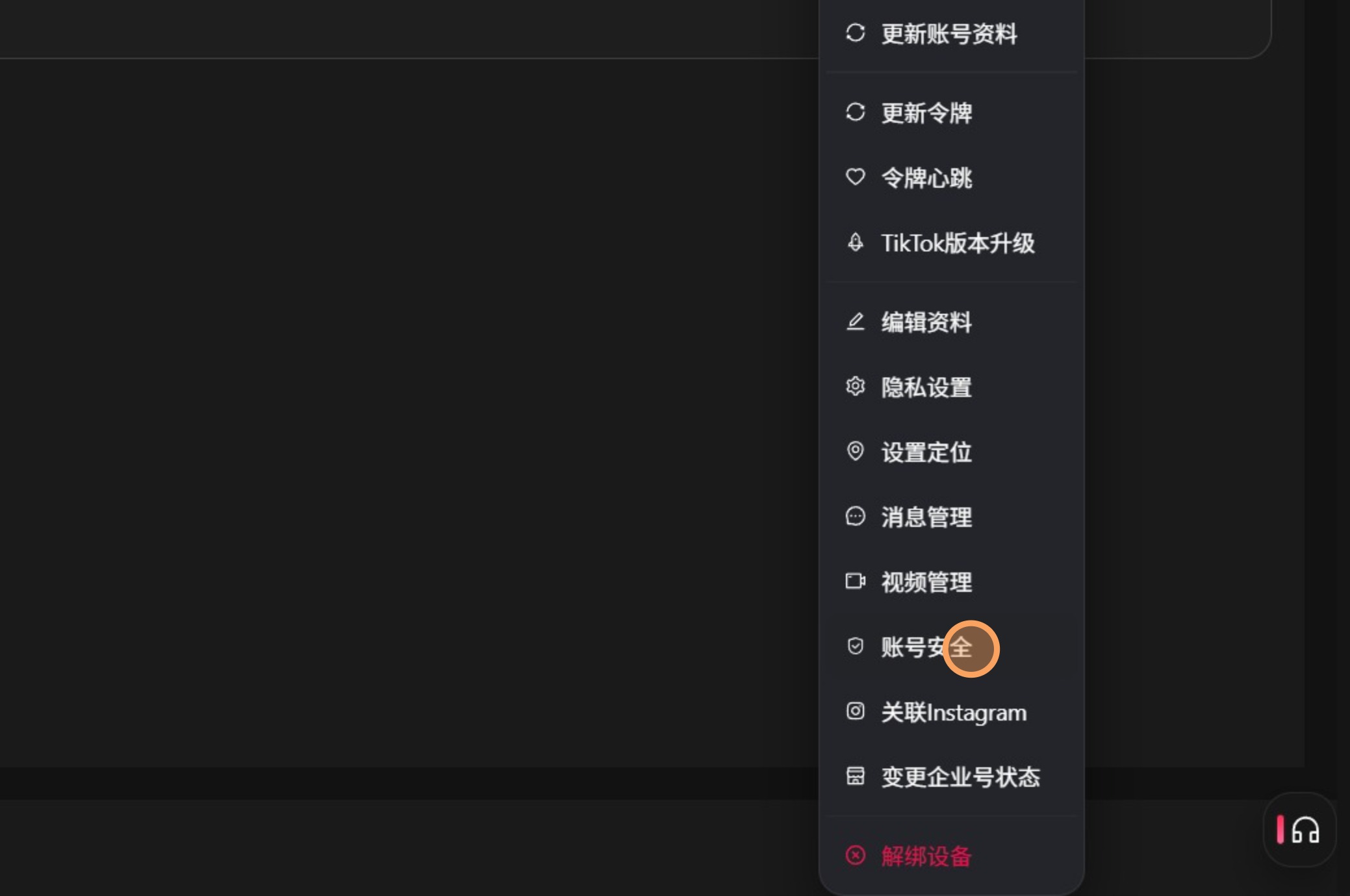
点击"账号安全"
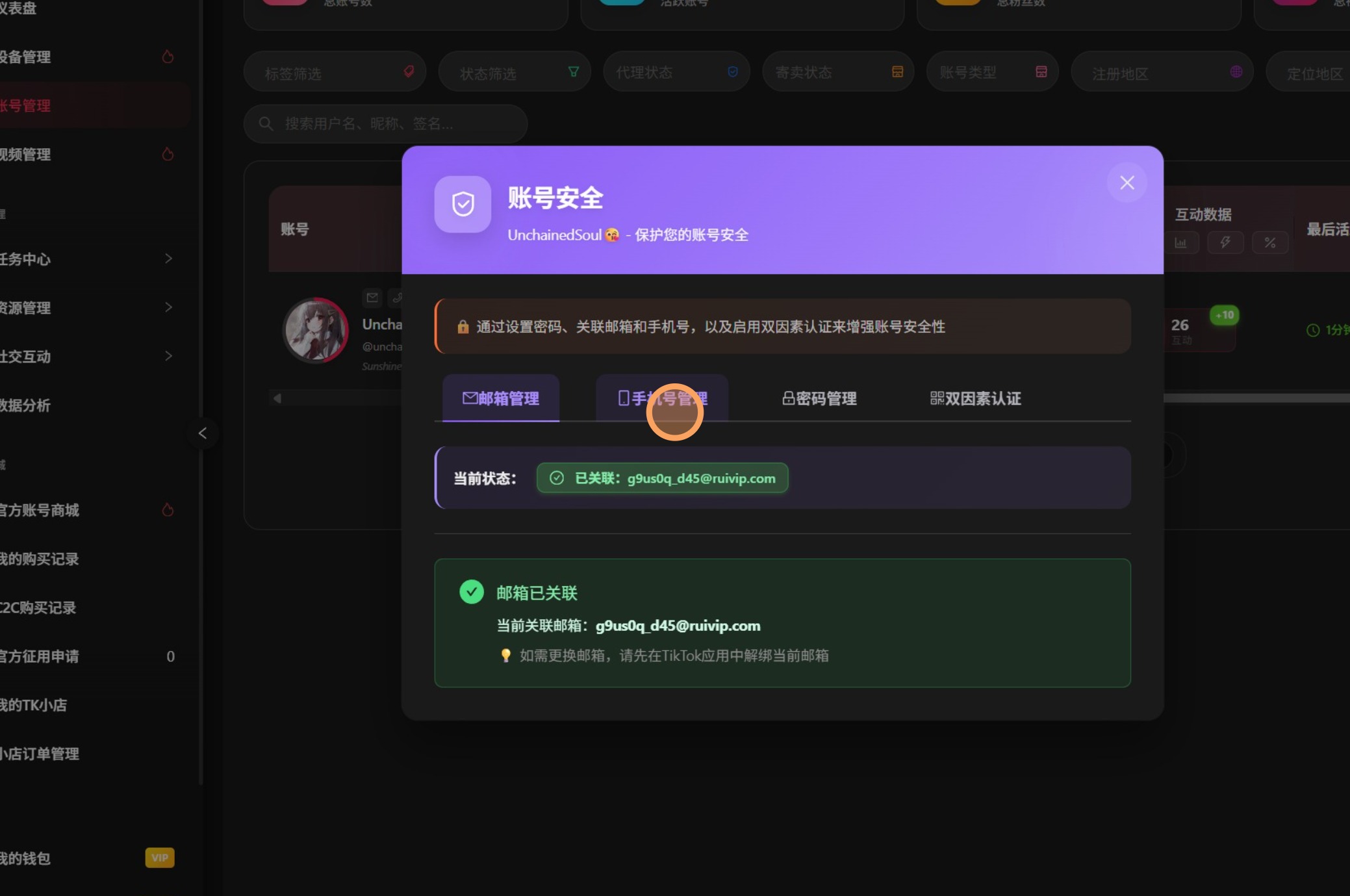
点击"手机号管理"
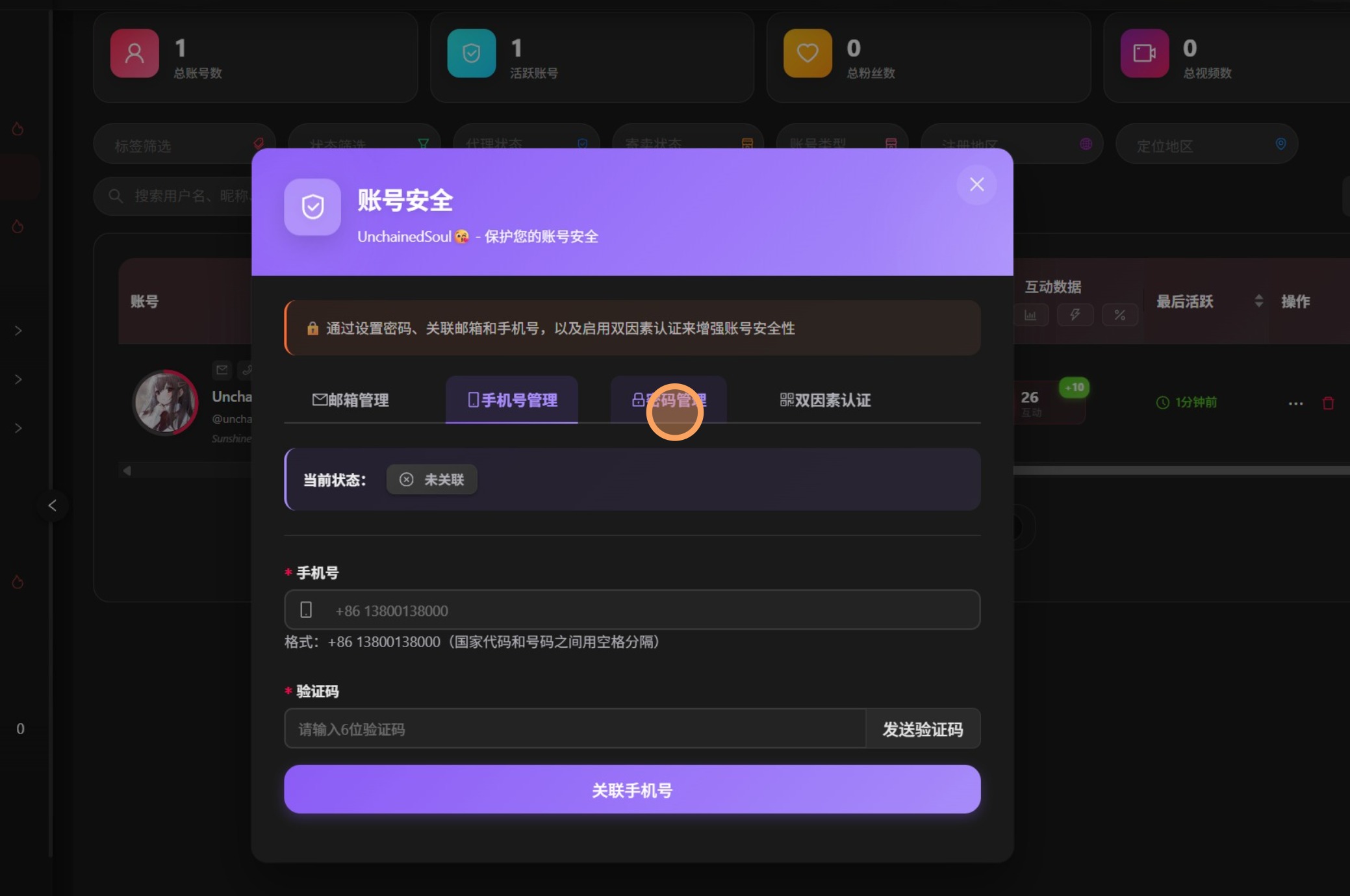
点击"密码管理"
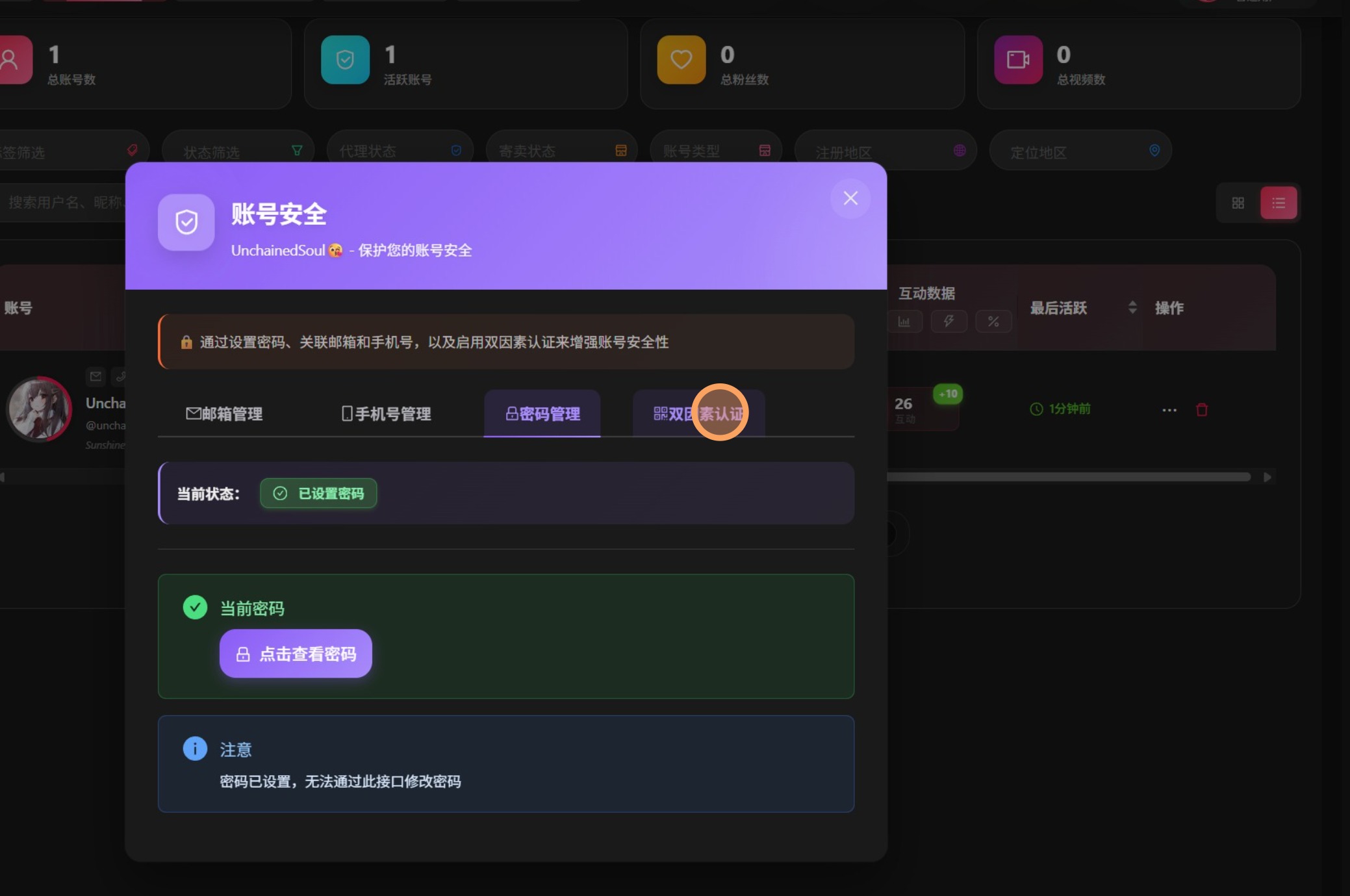
点击"双因素认证"
Cloud devices, dedicated proxies, batch publishing, analytics and a customer-service workbench in one platform.